

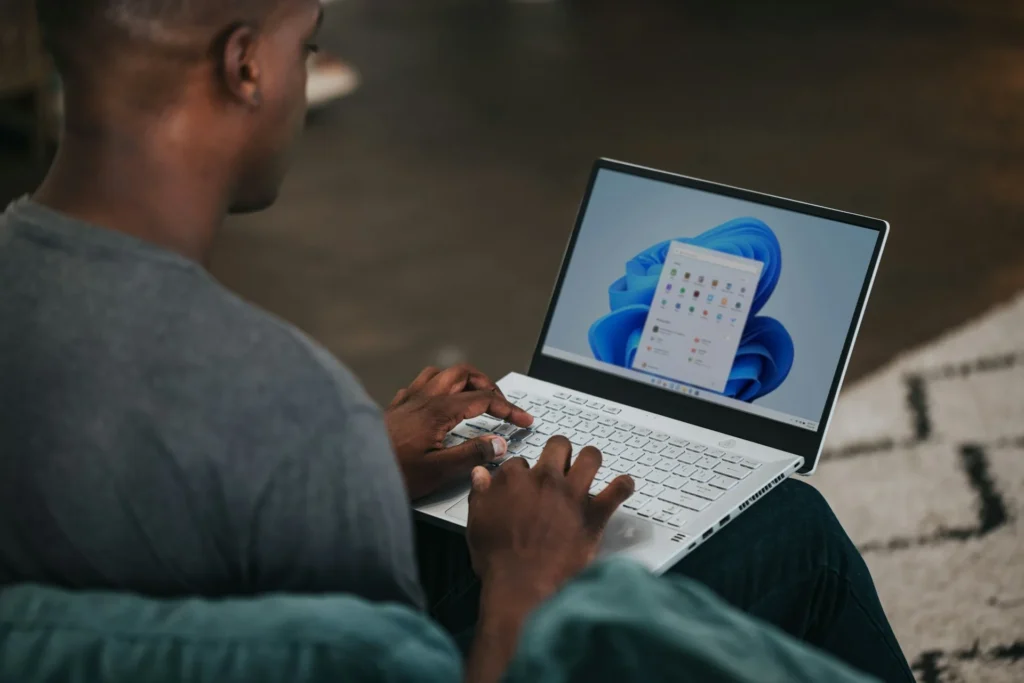
Windows 11: Microsoft relieves the taskbar restrictions (top and sides!)
After nearly five years of criticism, memes, and often harsh comparisons with Windows 10, Microsoft is finally lifting one of the most baffling restrictions of Windows 11: users will once again be able to reposition the taskbar at the top or on the sides of the screen.
This change is not merely a “small customization bonus.” It’s part of a much larger initiative: Microsoft aims to directly address ongoing complaints about the performance, reliability, and user experience of Windows 11—beginning with something users interact with daily.
A Rare Admission: “This is one of your top requests” for Windows 11
In an official Windows Insider article, Pavan Davuluri (Windows lead) is straightforward: repositioning the taskbar is one of the “top requests” from users.
Microsoft announces the ability to place the taskbar at the top or on the sides to further “customize” the workspace.
This feature will first roll out to Windows Insiders “in the coming weeks,” followed by a broader deployment later this year. Microsoft also mentions an option for a smaller taskbar mode, which is also expected later this year.

Windows 11 Slowly Returns to the Essence of Windows
The “movable” taskbar is a historical marker of Windows: a tool that adapts to how each person works (multi-screen, ultrawide, docks, professional habits). Windows 11 removed this feature at launch in 2021, largely because the taskbar had been rebuilt on foundations from Windows 10X—a project that was ultimately abandoned. As a result, basic functionalities vanished, only to gradually return.
This announcement appears to signal a normalization: Windows 11 is progressively moving away from being a “design-first” approach to becoming a “usage-first” Windows once again.
The return of the repositionable taskbar is not occurring in isolation. Microsoft is framing it within a broader 2026 plan: reducing memory usage, improving responsiveness, enhancing the reliability of core components, and making the OS less burdensome in daily use (including during installation and updates).
In simple terms, Microsoft aims to regain user trust through visible, concrete, and measurable changes—not just AI enhancements.
And What About the “Agenda” in the Notification Center? The Same Logic: Restoring Usability
Another detail mentioned in the same reports: Microsoft is also testing the return of an Agenda view in the notification center, a feature that existed in Windows 10 but was removed in Windows 11.
Once again, the message remains the same: reintroducing “small comforts” that make the system more user-friendly.
Windows 11 Stops Fighting Against Its Users
The ability to reposition the taskbar may seem trivial. However, it represents a strategic signal: Microsoft is re-embracing the modularity that has always been part of Windows’ DNA. Most importantly, the company seems to finally recognize a simple truth: when an OS is deemed “slow,” “heavy,” or “restrictive,” the best response is not to introduce a new feature… but to make daily tasks smoother.
In 2026, Windows 11 aims to do more than just appear modern: it is striving to be enjoyable again.



