

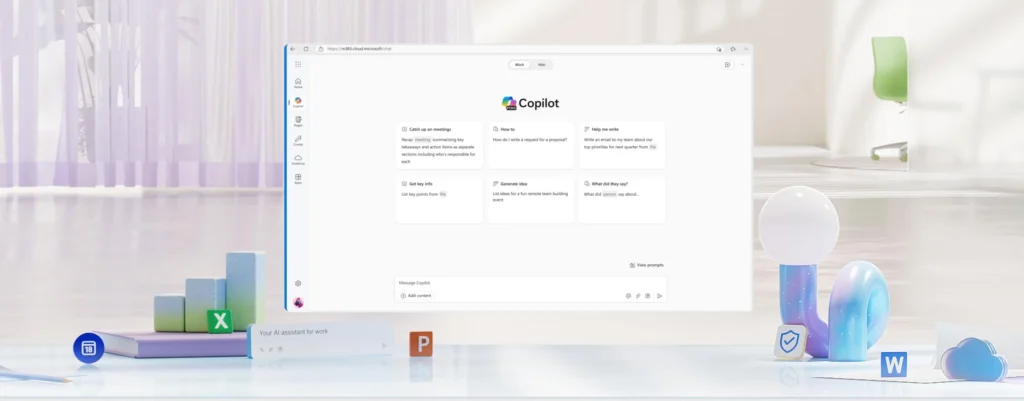
Microsoft 365 Copilot: When AI Summarizes ‘Confidential’ Emails That DLP Rules Were Meant to Block
Microsoft has acknowledged a concerning incident impacting businesses that rely on sensitivity labels and Data Loss Prevention (DLP) protocols: Copilot Chat was able to generate summaries from confidential emails that should have been excluded.
The bug was identified on January 21, 2026, and is linked to the Copilot “work tab” chat experience.
The major concern isn’t that “Copilot read a document it was given.” It’s more subtle: the promise of governance (labels + DLP) was not upheld in a conversational flow designed to become the daily norm for employees.
A Bypass Focused on “Drafts” and “Sent Items”
According to information shared by Microsoft, a coding error allowed Copilot to “grab” items from the Drafts and Sent Items folders and produce summaries, despite the presence of confidentiality labels and a DLP policy configured to prevent this processing.
These two folders are precisely where sensitive materials accumulate:
- Drafts: negotiations, unpublished figures, legal formulations “in progress.”
- Sent: final wording transmitted to a client, partner, or regulator.
In this context, a “useful” summary can accelerate the internal flow of information that should have remained contained.
What Microsoft Is Fixing… and What Remains Unclear
Microsoft reports that it began rolling out a fix in early February and is monitoring the situation to confirm its effectiveness. However, two critical pieces of information for security teams remain vague in public reports:
- How many tenants were affected;
- How long the behavior existed before the January 21 detection.
Without a clear exposure window, we shift from a “targeted” audit to a potentially broader review of usage and logs.
“Work AI” Challenges Governance
This case illustrates a reality in 2026: AI is no longer just a generation tool; it has become an interface for reading, synthesizing, rephrasing, and cross-referencing — thus altering the risk landscape. Even if data doesn’t “leave” the organization, an internal leak can occur through a summary copied into Teams, a shared screenshot, an excerpt slipped into a ticket, or simply information that becomes “easier to recount” because it has been condensed.
In other words, the question isn’t just “Does Copilot have access?” but “Does Copilot facilitate access more fluidly than security policies anticipated?”
Here’s a pragmatic approach inspired by recommendations from various IT and security experts:
- Check the status of the fix in your tenant (Message Center/incident communication/support channels) and note the deployment saturation date.
- Explicitly test the scenario: labeled “Confidential” email + DLP policy intended to block → verify if Copilot “work tab” can still summarize it from Drafts and Sent Items.
- Capture evidence (without exposing sensitive content): interface screenshots, timestamps, policy/label IDs, and maintain an internal memo for your RSSI team.
- Review Copilot settings and, if necessary, implement a temporary usage restriction for high-risk populations (legal, finance, M&A, HR, security).
On the ground, the safest reflex is simple: consider summaries as reading aids, not as compliance evidence. Until your IT department confirms the fix is effective for you, refrain from using Copilot to “recap” exchanges that could present internal dissemination issues.



