

Gmail cuts the cord: End of Gmailify and POP retrieval in 2026
For nearly ten years, Gmail has offered an appealing solution: keep a Yahoo, Outlook, or personal domain email address while enjoying part of the Gmail experience. However, starting January 2026, this chapter will come to an end. Google is discontinuing Gmailify and the “Check other email accounts” feature (POP retrieval)—two tools that have become largely invisible to many users but are essential for those who relied on a unified inbox.
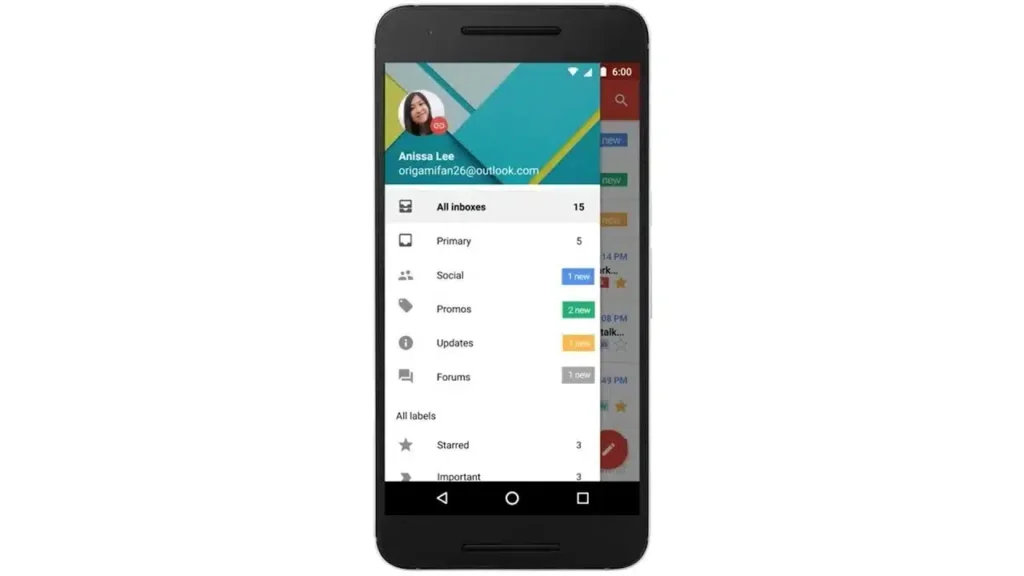
Launched in February 2016, Gmailify allowed users to apply some of Gmail’s “superpowers” to third-party accounts: spam protection, categories (Social/Promotions, etc.), more efficient search, and improved mobile notifications. All of this will cease.
The automatic retrieval of emails from other providers directly into your Gmail inbox via POP will no longer be supported, and this option will disappear from Gmail on computers.
Officially, Google describes this as a compatibility end. In reality, this reflects a common trend when a service becomes costly to maintain: it is underutilized by the majority, complex to support, and presents security challenges. Many analyses suggest that POP3 is an outdated protocol, less suited to modern needs, and often considered less robust than IMAP for multi-device management.
Ultimately, the message is clear: Google prefers to invest where the experience is “end-to-end” under its control—meaning in native Gmail and, for organizations, Google Workspace.
What you need to do now if you use these features in Gmail
The good news is that you will not lose your old emails. All messages that have already been synchronized or imported will remain in Gmail.
Moving forward, what you do will depend on your usage:
- If you were using POP to centralize your emails in Gmail (web): Google recommends that you switch to automatic forwarding from your other provider (Yahoo, Outlook, etc.) to continue seeing new messages in your Gmail inbox “as before.” This setting should be configured with the provider, not in Gmail.
- If you used Gmailify to “enhance” a third-party account, there is no direct equivalent. You can still read and send emails via the Gmail app on mobile by adding the account as IMAP, but without the benefits of Gmailify (categories, Gmail spam protection applied to the third-party account, etc.).
- If you’re in a business or educational setting: Google states that your administrator can assist in migrating data to Google Workspace using migration tools.
The real impact: less “unified inbox,” more discipline
For many, it may feel like a bug: “I’m no longer receiving my emails.” In truth, it’s the synchronization that is ending. Users who created a Gmail as a “universal hub” will need to decide: centralize via forwarding or manage multiple accounts (or use a third-party email client).
This may be the most telling point: email is becoming once again a territory of clear boundaries. Fewer bridges. More ecosystems.



