

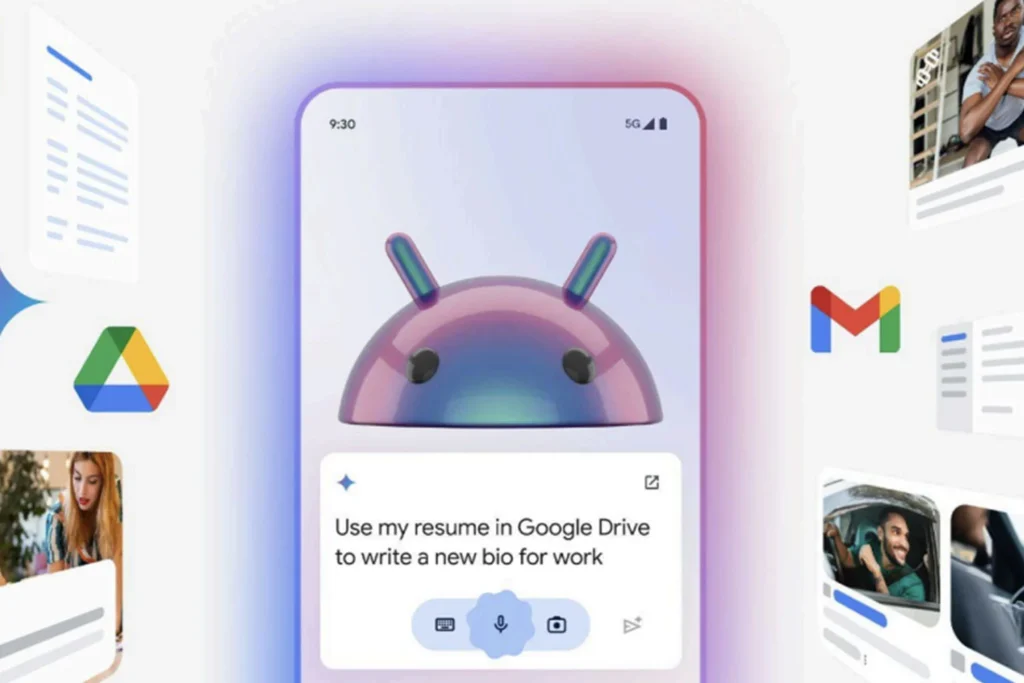
Gemini on Android may soon reduce to a floating bubble
Google is possibly preparing a small evolution for Gemini on Android, which could have a significant impact. According to an APK analysis by Android Authority, the AI assistant may soon be minimized into a floating bubble while it works in the background.
This is a simple, almost obvious feature, aligning perfectly with one of Android’s historical strengths: multitasking.
Gemini may finally work without blocking the screen
Currently, Gemini can be closed and reopened later, but it cannot actually continue working in a minimized form while users navigate elsewhere.
The version 17.30.26.sa.arm64 of the Google app now contains hints of a new “Minimize Gemini” button. Once activated, Gemini would reduce to a movable floating bubble, allowing users to continue using their phone while the assistant processes a request or generates a response.
A real comfort gain in daily use
The benefits are clear. A user could ask Gemini to summarize a document, prepare a response, analyze an image, or search for information, then continue reading, replying to a message, or browsing in another app. When Gemini is done, users would just need to reopen the bubble to resume the conversation.
This isn’t a technological revolution, but it’s the kind of improvement that makes an AI much more user-friendly.
Android plays its multitasking card
This feature fits perfectly within Android’s logic. For years, Google has focused on floating windows, split-screen functions, conversation bubbles, and seamless interactions between apps.
By allowing Gemini to function as an active but non-intrusive task, Google brings its AI assistant closer to being a true mobile work companion.
A feature still uncertain
As always with discoveries from an APK analysis, there’s no guarantee of a public launch. Google may still modify, delay, or abandon this feature before deployment.
However, if it does arrive, it could quickly become one of the most appreciated enhancements to Gemini on Android. Sometimes, AI doesn’t need a groundbreaking model; it just needs to better integrate into the real rhythm of our usage.



