

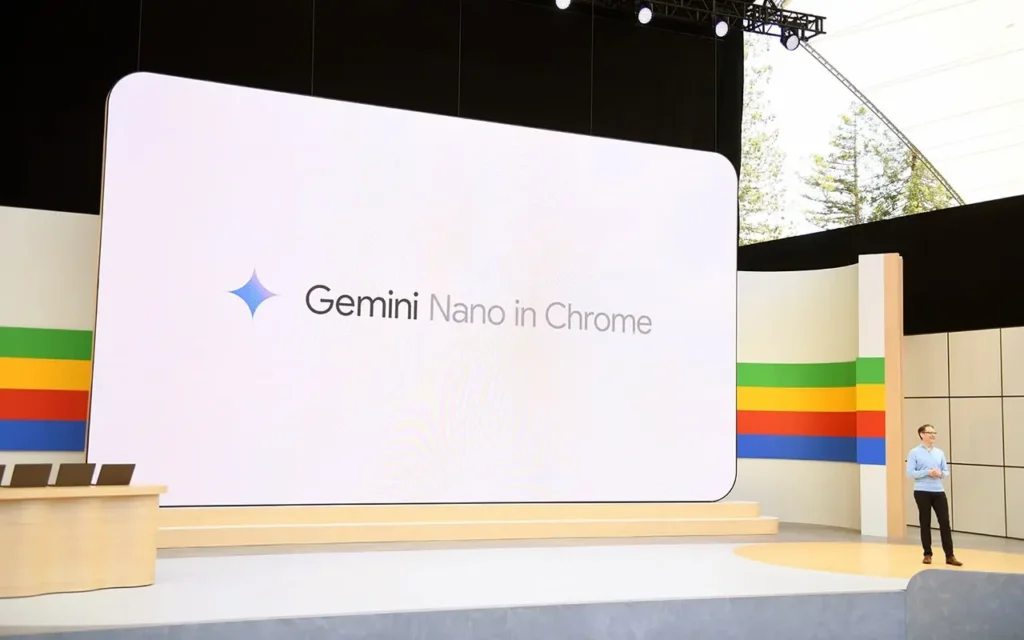
Chrome: Gemini Nano can install a 4GB AI file on your computer
Google aims to enhance Chrome’s intelligence with integrated AI. However, this promise comes with a significant cost: many users are discovering that a file linked to Gemini Nano can install locally and take up around 4GB of space.
A Massive File in Chrome’s Directories
According to The Verge, some AI features in Chrome automatically download a weights.bin file to the browser’s system folder. This file is associated with Gemini Nano, Google’s local AI model used for functions such as scam detection, writing assistance, autofill, and smart suggestions.
The technical benefit is clear: running the AI directly on the device without consistently relying on the cloud. It’s better for privacy and responsiveness.
However, for users with limited SSD storage, 4GB consumed without a clear warning can quickly become an issue.
Why Does Chrome Download This File?
Gemini Nano operates locally using settings stored on the machine. These data are contained in the weights.bin file, which is located in the OptGuideOnDeviceModel directory. If users delete this file while AI functions remain enabled, it will be downloaded again.
To prevent its return, the On-device AI option must be disabled in Chrome’s System settings.
Google clarifies that the size of Gemini Nano may vary with model updates. However, this information isn’t clearly presented when users activate these AI functions; it is typically found in longer technical documentation.
This raises a broader issue: while local AI is often touted as more private, it shifts some of the burden onto the user — in terms of storage, system resources, and energy consumption.
What Is the Impact and How to Disable It?
While this may seem to only affect your device’s storage, the source indicates that the impact is broader and affects climate as well. It estimates that if 500 million devices received this download, the bandwidth consumed would generate around 30,000 tons of CO2 emissions, equivalent to the emissions of 6,500 cars over a year. This estimation only accounts for distribution, not the actual use.
Google should require user confirmation for this download. In the meantime, you can disable it via “chrome://flags”. Search for “Enables optimization guide on device” and disable it. This process is more cumbersome than it should be, but it works.

AI in Chrome Becomes Heavier, Literally
This situation illustrates an ongoing trend: browsers are no longer just gateways to the web. They are becoming AI platforms, capable of analyzing, suggesting, and protecting in real-time.
As Chrome becomes smarter, it also becomes more demanding. For local AI to be accepted, Google will likely need to better explain what it installs, why, and how much space it requires.



