

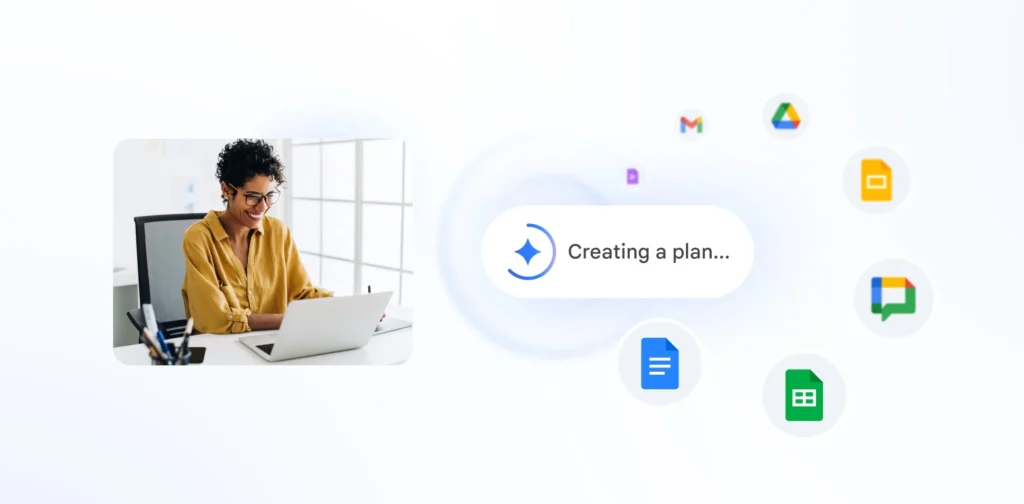
Workspace Intelligence: Google wants Gemini to be your work’s active memory
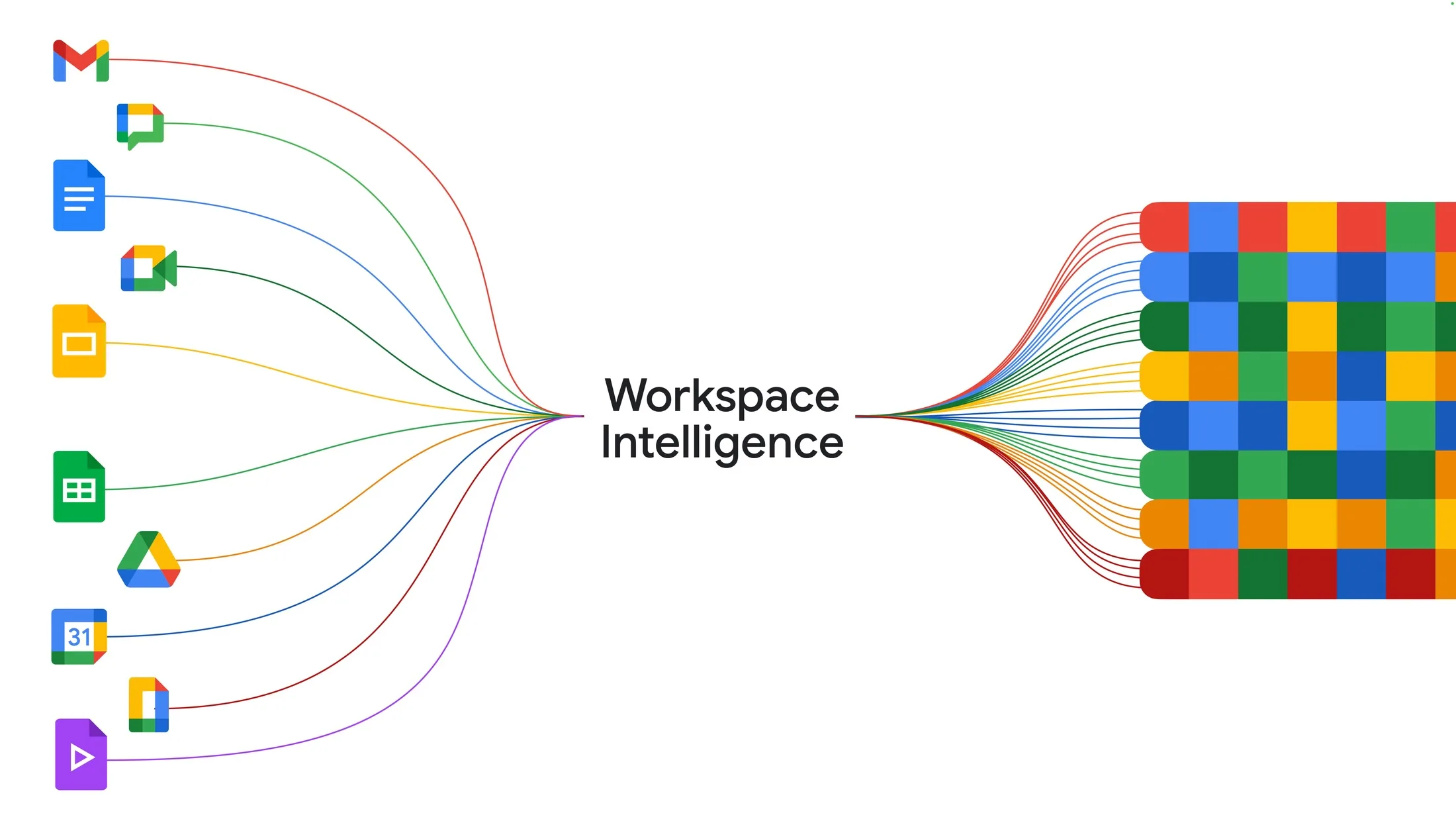
After “personal intelligence,” Google is scaling up to the workplace. With Workspace Intelligence, Gemini now has the capability to draw from all data within Google Workspace—emails, chats, files, documents, and internet information—to create more contextualized responses and content.
From contextual assistant to AI that knows your work environment
A few weeks ago, Google introduced Personal Intelligence, a beta feature that allows Gemini to connect to personal services like Gmail, Photos, YouTube, Search, and even past Gemini chat histories, in order to provide contextually relevant responses.
Google emphasizes that these connections are optional, with users retaining control over the linked applications.
With Workspace Intelligence, the same principle applies in a professional context. This time, Gemini leverages content across Gmail, Chat, Drive, Docs, Sheets, Slides, and other Workspace components to understand your projects, retrieve necessary files, and generate deliverables that align with your work style.
Google describes this layer as a combination of its internal search engine, Workspace indexing, and Gemini’s reasoning capabilities.
What Google Promises
The promise is straightforward on paper: less navigation, more execution. Instead of sifting through folders, opening multiple tabs, or restating the same context with each request, users can simply ask in natural language what they want. Google claims that Workspace Intelligence can retrieve relevant emails, conversations, files, and web information needed to turn an idea into an actionable document, formatted to align with the company’s voice, branding, style, and even templates.
In other words, Gemini is no longer just a writing assistant. It is evolving into an orchestration layer that connects dispersed knowledge within Workspace tools to the actual production of documents, summaries, and presentations.
Docs, Slides, Gmail: More Ambitious Automation
Within the applications themselves, Google is expanding this persistent context logic. On the official Google Workspace page featuring Gemini, the company highlights that Gemini is already integrated into Gmail, Docs, Meet, and other tools. However, with Workspace Intelligence, this integration is taking on a more systemic dimension: the AI is designed to understand the work history, reuse relevant markers, and act with greater autonomy.
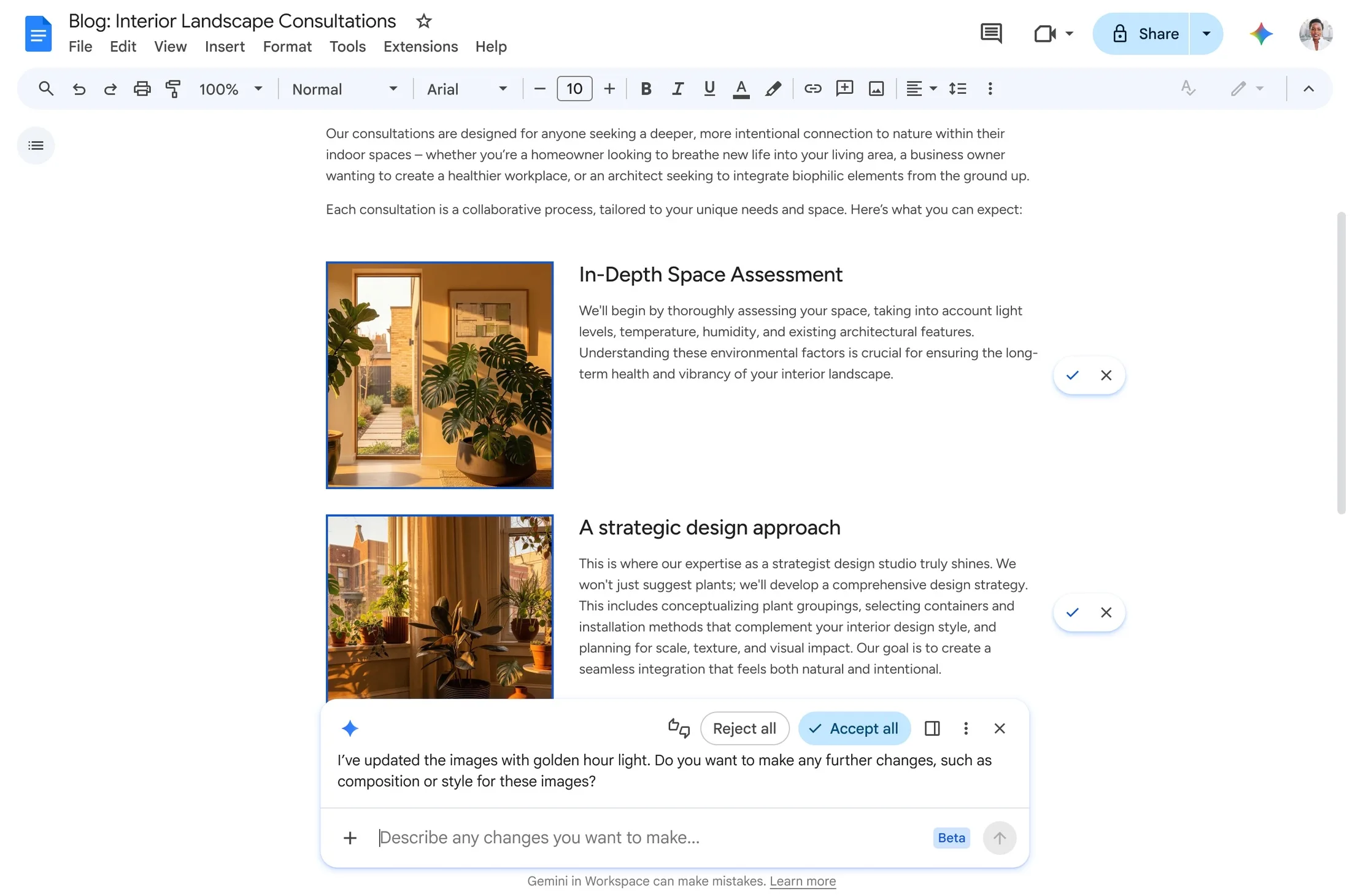
In Google Docs, for example, this means more consistent suggestions and transformations aligned with your past usage.
In Slides, Google promotes the idea of generating presentations nearly in one request, adhering to the company’s templates and visual codes.
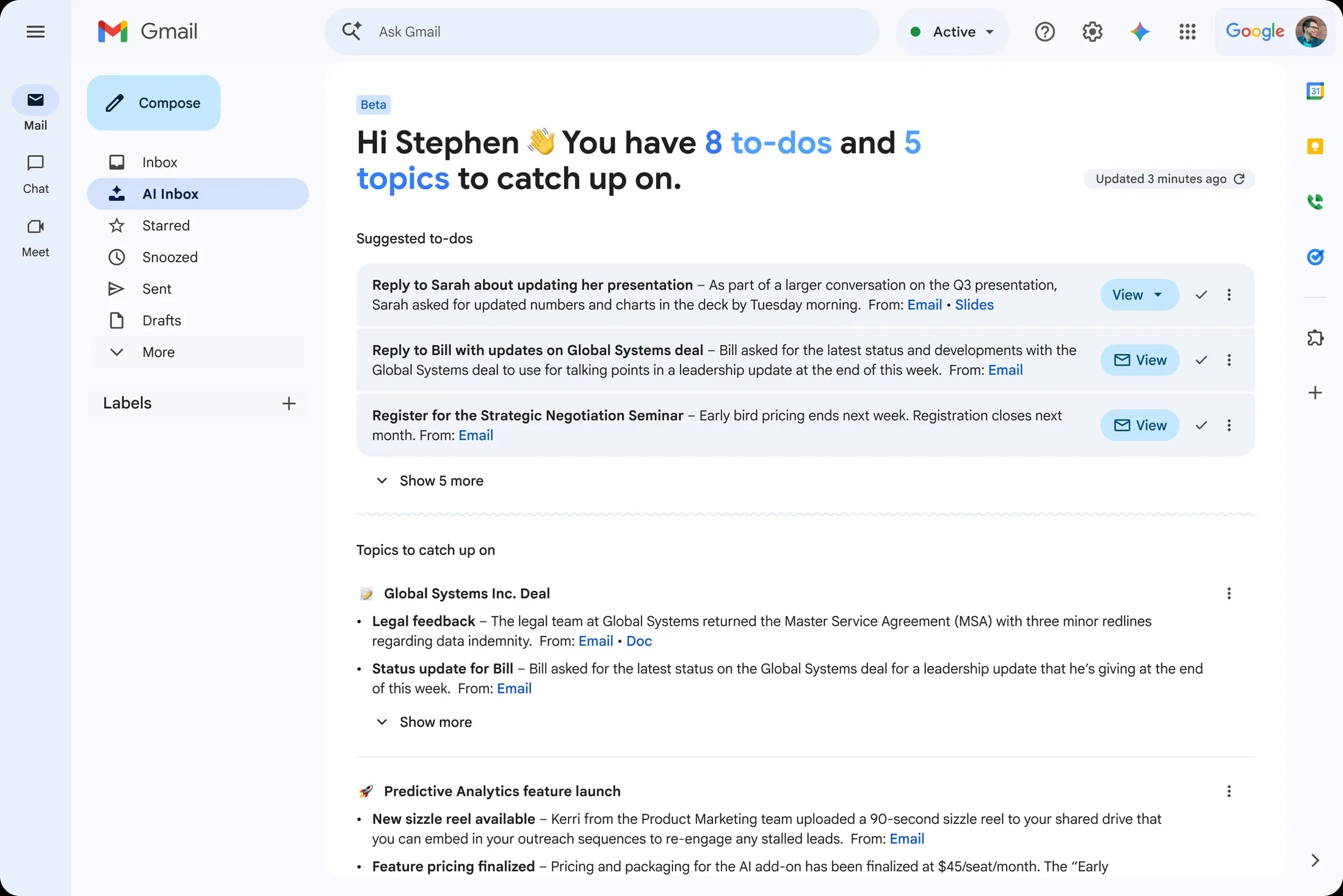
In Gmail, the firm is simultaneously pushing features like AI Overviews, which summarize threads, alongside a more workflow-oriented approach to managing the inbox.
The message is clear: Google wants the AI to absorb document complexity on your behalf.
Why Is It Strategic?
Beyond the initial excitement, the announcement highlights the direction office computing is heading. Productivity suites aim to do more than offer separate applications; they seek to build a unified operational memory. Mastering the context equates to mastering the relevance of the results.
This is precisely where Google aims to differentiate itself. The company already possesses a structural advantage: a vast user base in Workspace and historical expertise in information retrieval. By merging this with Gemini, it tries to position its AI not just as a generic chatbot, but as a system capable of understanding an organization’s logic, documents, habits, and codes.
Comparison with competing approaches, such as those involving Microsoft connected assistants or some versions of Claude, is inevitable. However, Google is playing a very specific card here: removing the barriers between research, creation, and execution within Workspace. This may be less spectacular than a universal autonomous agent, but it could prove more useful in daily tasks.
The Crucial Challenge: Trust
The essential question remains: how far should one allow AI to access their work data? Google stresses that Workspace Intelligence operates within the secure framework of the Workspace platform. On the public front, the company also highlights control settings for Personal Intelligence.
However, ultimately, the product’s value will depend on two concrete criteria:
the quality of contextual understanding and the reliability of execution. An AI capable of locating the correct document, summarizing the right conversation, and adhering to the right templates can indeed save time. Conversely, an AI that mixes versions, misinterprets intent, or applies the wrong context introduces a new layer of friction.
This is the ambiguity surrounding this new generation of tools: the more personal the assistant becomes, the more powerful it is—and the higher the demand for precision rises.
A Step Towards Conversational Work
Workspace Intelligence reveals much about how Google envisions the future of digital work. In the future, employees may not need to open Docs, Drive, Gmail, and Slides separately. They could articulate an intention, and the interface would mobilize the appropriate tools in the background.
At its core, Google is pushing a simple yet incredibly ambitious idea: work will no longer be confined just to applications, but will occur through a conversation with an AI that already understands the context. If this promise holds true, Gemini could evolve from being just an assistant to becoming the invisible layer that connects everything else.



