

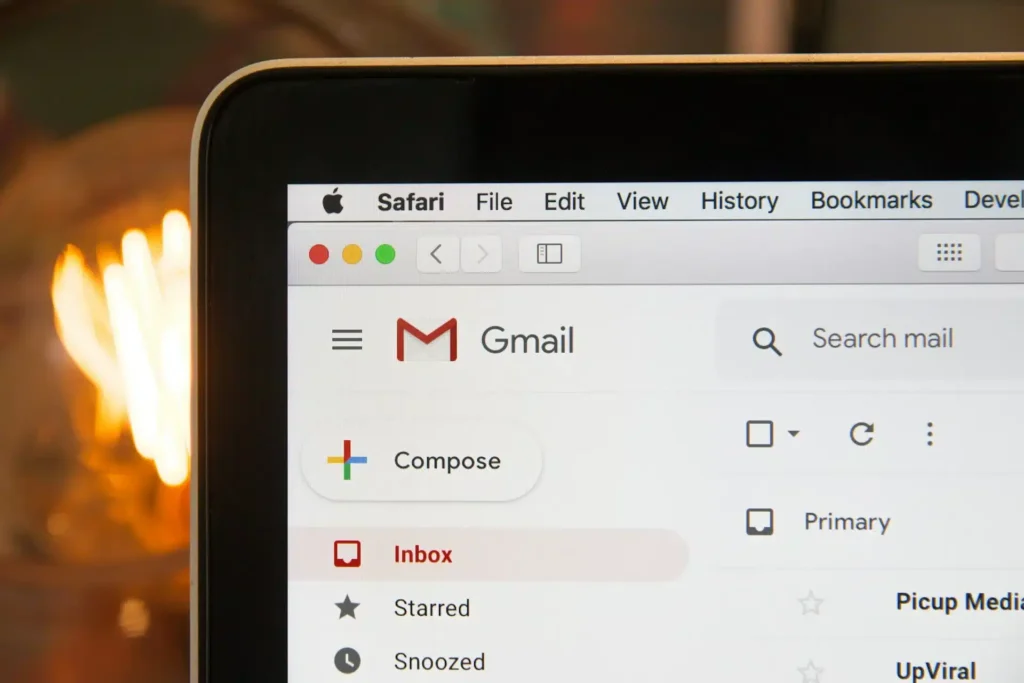
Gmail: It’s finally possible to change your email address without losing your data!
This marks a significant change for millions of users. Google is finally rolling out a highly anticipated feature: the ability to modify your primary @gmail.com address without creating a new Google account.
This is great news for those who have been stuck with an embarrassing, unprofessional, or outdated email address for years.
A Historic Limitation Finally Lifted
Until now, changing a Gmail address meant starting from scratch. While Google already allowed the use of aliases or secondary addresses (especially with custom domains), the main Gmail username was set in stone for life.
Now, Google aims to provide more control over this central digital identity, which is used across Gmail, Drive, Photos, YouTube, Maps, and the entire Google ecosystem.
A Gradual Rollout, Starting in India
The feature is currently being rolled out gradually and appears to be in testing in certain regions, with the first sightings reported in India. A telling sign: the initial support documentation was published in Hindi before being expanded to other languages.
If you have access, the option can be found in: Google Account → Personal Info → Email Address.
Important: This feature is only available for accounts ending in @gmail.com. The new address must also be @gmail.com, so switching to Outlook, Proton, or a custom domain is not possible.
No Risk to Your Data
This is perhaps the most reassuring point: no data will be lost. Changing your Gmail address will not delete your emails, affect your Drive files, or jeopardize your photos, messages, subscriptions, or histories.
Your entire digital life remains intact.
Your Old Address Remains Active (And That’s Crucial)
Another great decision by Google: your old address will not disappear. It automatically becomes a secondary/alias address, meaning emails sent to the old address will still arrive, you can log in to Google services with either address, and you can revert to the old address if necessary.
The result: no rush to update all your external accounts and services on the same day.
Strict Rules to Prevent Abuse
Google has set firm guidelines for this new feature:
- A maximum of 3 changes per account
- A mandatory waiting period of 12 months between new address creations
- Your old address can never be reassigned to someone else
These limitations indicate that Google views this change as exceptional, not just a cosmetic renaming.
Special Attention for Chromebook Users
Google specifically alerts Chromebook users. Some local data may be lost if not backed up, so it’s necessary to remove and then re-add the Google account with the new address; otherwise, the local user folder might be deleted.
Therefore, prior backup is essential.
Some Friction to Expect
Like when signing in on a new device, some side effects may occur:
- Application settings may reset,
- You may need to re-login on certain “Sign in with Google” services,
- Old addresses may be visible on content created before the change (Calendar events, shared documents).
Nothing blocking, but it’s better to be prepared.
A Long-Awaited Feature… With Much Delay
Competing services like Outlook and Proton have offered this flexibility for a long time. It’s surprising that Gmail—central to the digital identity of billions of users—has taken so long to catch up.
However, better late than never. For many, this option will finally allow them to clean up an inherited address from the past without starting over.
If you’ve been waiting for this feature for years, regularly check your account settings: it’s coming, slowly but surely.



