

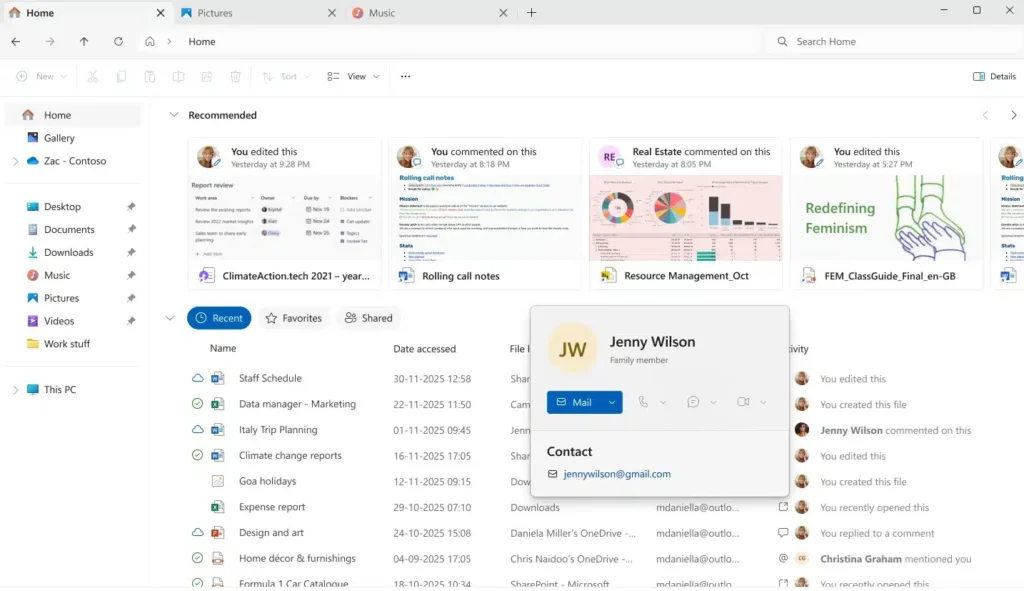
Windows 11: Microsoft Reduces Memory Consumption of File Explorer
After years of criticism regarding its performance, the File Explorer in Windows 11 may finally become more efficient. Microsoft is currently testing a series of subtle yet crucial optimizations aimed at reducing excessive RAM and CPU usage during file searches.
These improvements are being rolled out in the latest Insider builds, starting with build 26220.7523, and are specifically addressing a well-known issue: resource spikes when exploring large folders.
Windows 11: The End of Redundant Indexing
The core of this update is based on a simple concept: stop doing the same work twice. In its release notes, Microsoft explains that it has optimized the search process by “removing duplicate file indexing operations.” In simple terms, the File Explorer will no longer re-scan the same data repeatedly when a search is initiated.
This is a common-sense fix that has a significant impact:
- fewer unnecessary CPU cycles consumed,
- a notable decrease in RAM usage,
- faster and smoother searches.
An Old Problem Finally Addressed at Its Source
It’s important to note that the File Explorer does not have its own search engine. It relies entirely on the Windows Search Indexer, which is supposed to be intelligent but often exhibits redundant behaviors.
On modest machines — particularly laptops with 8 GB of RAM or less — these repetitive tasks could cause sudden slowdowns, overheating fans, and drastically reduced battery life.
By eliminating these “double checks,” Microsoft reduces the overall system load without altering the user experience on the surface.
A More Readable Right-Click Menu
In parallel with these internal optimizations, Microsoft continues to simplify the File Explorer interface, particularly the context menu accessed via right-click.
In the current test versions, less frequently used options like Copy as Path, Compress to, or Rotate Image have been moved and grouped into a separate sub-menu, named in various builds as “Manage File” or “Other Actions.”
The clear goal is to declutter the main menu to highlight common actions without removing advanced features.
An Imminent Rollout for the Public
These improvements are still being tested in the Insider channels, but their relatively conservative nature suggests they won’t remain experimental for long. If no major issues are detected, Microsoft is expected to begin deploying them to the general public sometime between late January and February.
While this is not a dramatic overhaul, it represents a long-awaited foundational improvement. By making the File Explorer more efficient and less resource-intensive, Microsoft addresses one of the most persistent daily annoyances of Windows 11.
The expected result: quieter searches, a more stable system, and a PC that breathes a little easier.



