

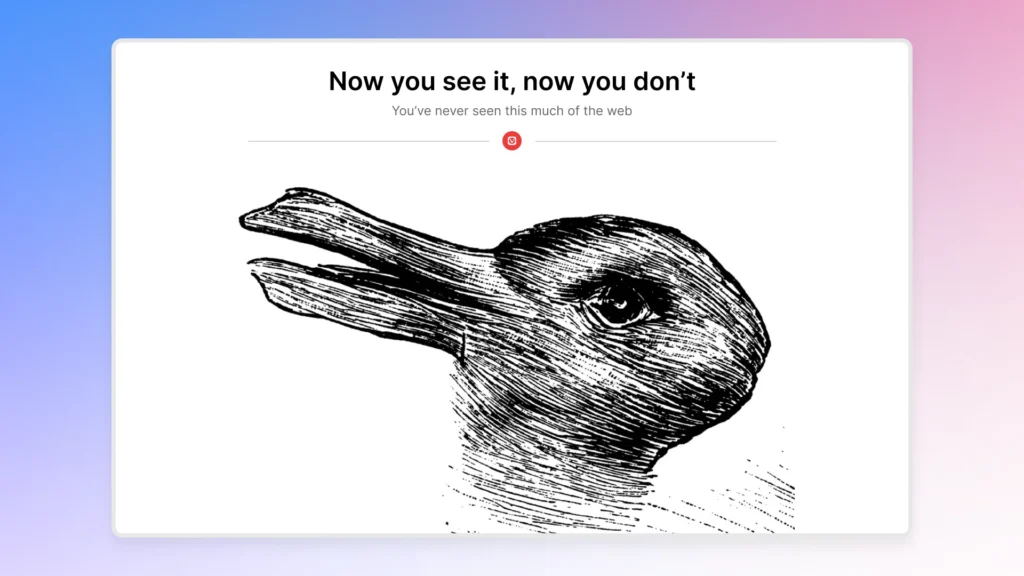
Vivaldi 7.9: The browser that hides its interface to let you breathe
Vivaldi continues to carve its niche in the face of more standardized browsers. With Vivaldi 7.9, the browser introduces a new immersive mode called “Auto-Masking UI”, designed to remove the interface when it’s not needed, and then bring it back instantly at the right moment.
The official launch was on March 19, 2026, and it also includes new features for tabs, a split view, and Vivaldi Mail.
An interface that disappears on your terms
The standout feature of Vivaldi 7.9 is the “Auto-Masking UI.” In practice, the interface can hide during browsing and reappear when the cursor touches the edge of the screen.
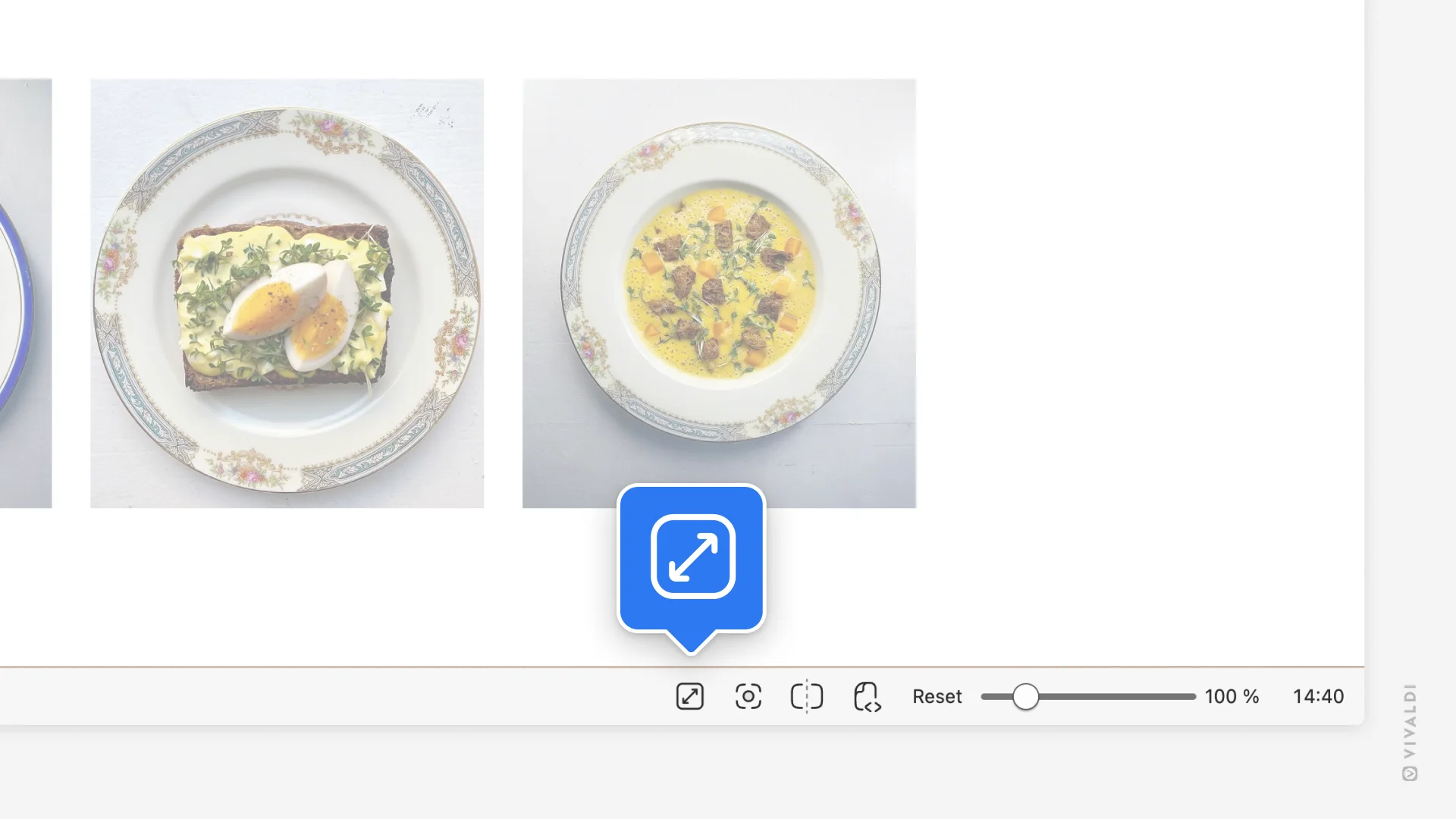
However, where Vivaldi tries to stand out is in the granularity of control: you can choose to hide only the tab bar, only the address bar, or the entire interface, including panels and toolbars. This option can be activated through the settings, via the status bar, or with a keyboard shortcut.
This approach reflects Vivaldi’s philosophy. The browser doesn’t just aim to offer a classic “full-screen” mode but allows users to decide exactly what should disappear and when. This is a subtle yet significant difference that aligns well with the product’s DNA.
Follower Tab: A Thoughtful Addition for Research
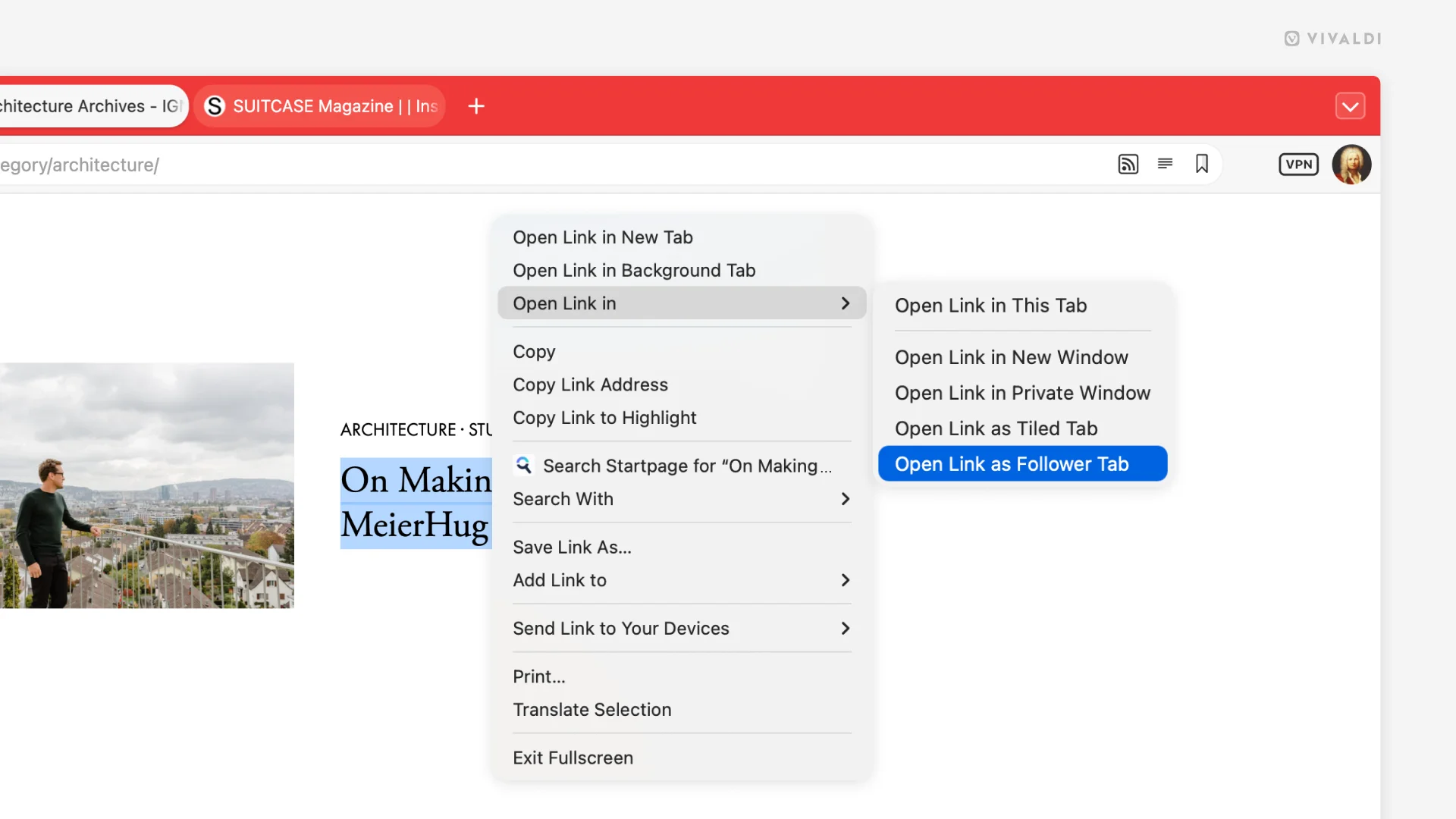
Vivaldi 7.9 also introduces Follower Tab, a feature that enhances dual-pane work. When you open a link with this option, the new page appears next to the original page instead of replacing it. Subsequent links continue to open in this secondary pane, while the main page remains unaffected. Vivaldi worked extensively on this in its 7.9 snapshots before integrating it into the stable version.
For tasks such as monitoring, comparison, or documentation, this kind of feature saves time without drawing attention.
The Split View and Mail Gain Maturity
The update also enhances the tab mosaic, which displays multiple pages side by side. Vivaldi highlights a more flexible management of layouts and space-sharing between tabs, further reinforcing its positioning as a productivity-oriented browser.
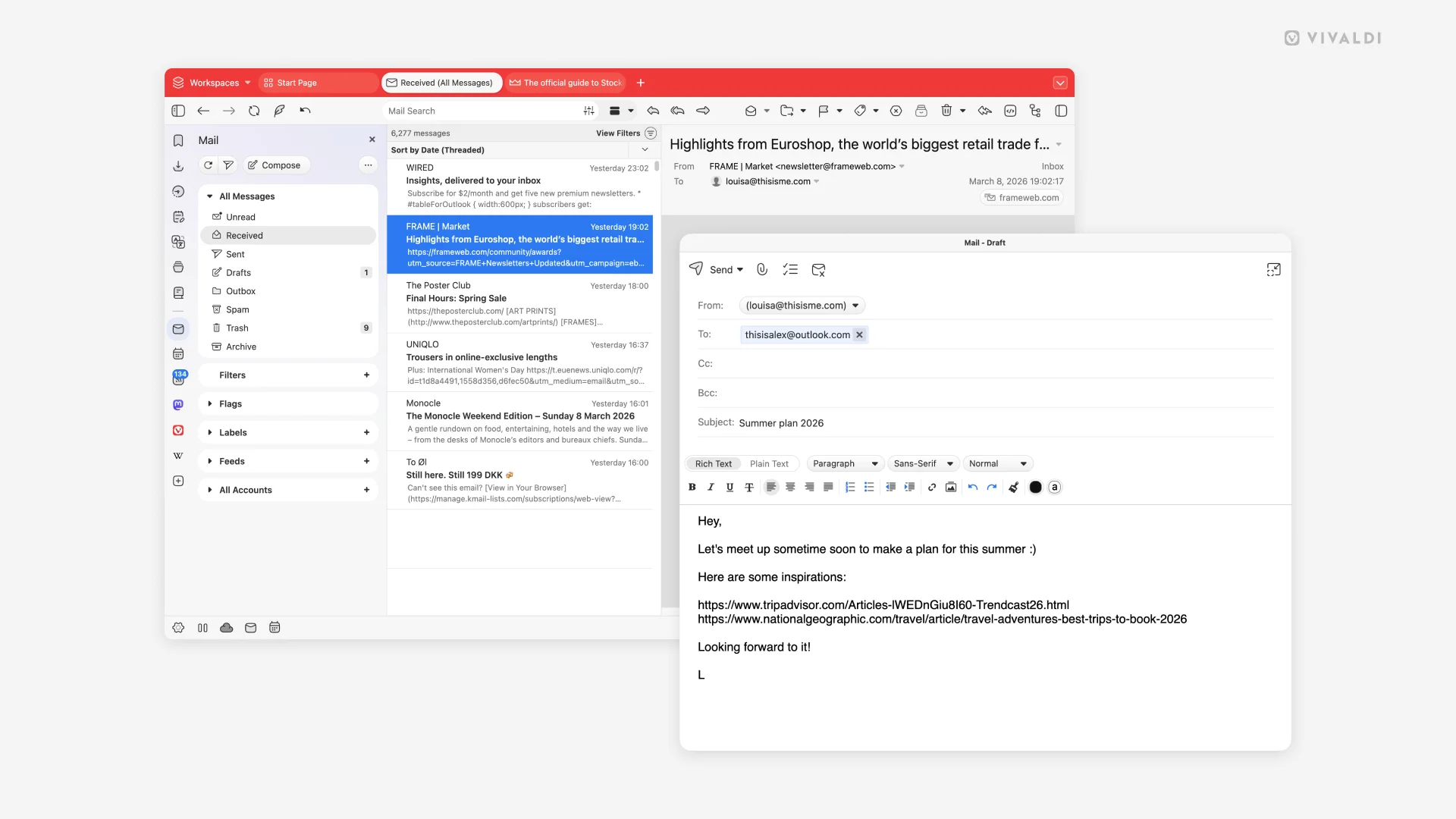
The same logic applies to Vivaldi Mail, where the composer can now open in a separate window. The email client also gains a more straightforward toggle between plain text and rich text, as well as optimizations for large inboxes.
Why Does Vivaldi Stand Out Against Chrome and Safari?
This is where the comparison gets interesting. Safari does allow some adjustments in full-screen mode, including the option “Always Show Toolbar in Full Screen,” but Apple does not offer a logic as modular as Vivaldi’s for separately hiding various interface elements.
On the Chrome side, the situation is even more restrictive regarding the auto-masking of the interface outside full screen: Google support responses indicate that there is no built-in function to automatically hide the top bar when it’s not in use.
In other words, Vivaldi doesn’t just add an immersive mode; it transforms the concept into a customizable work tool, while Chrome and Safari remain much more rigid.
A Browser That Continues to Push Its Customization Logic
This release is part of a broader strategy. Vivaldi continues to emphasize native functions that other browsers often rely on extensions or interface compromises to deliver. This also applies to privacy, with the integration of Proton VPN directly into the browser through an official partnership between Vivaldi and Proton.
Ultimately, Vivaldi 7.9 doesn’t revolutionize web browsing. However, it refines an idea that has become rare: one of software that adapts to your way of working instead of requiring you to adapt to it. And in a market dominated by increasingly standardized browsers, this difference feels almost like a luxury.



