The Raspberry Pi becomes a mature AI platform for edge computing
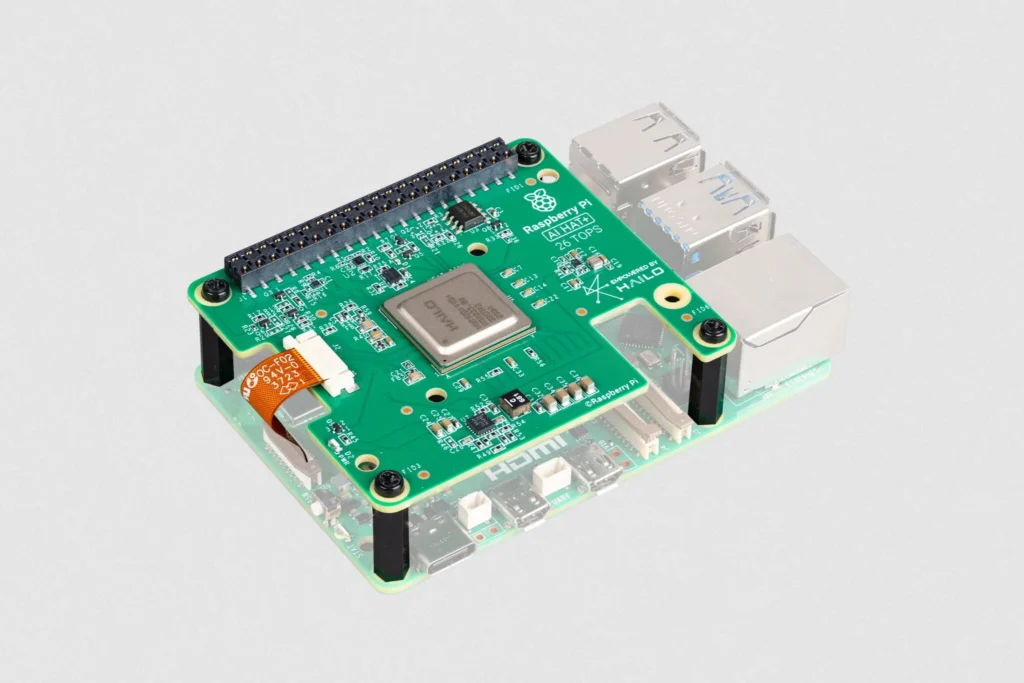
The Raspberry Pi project is continuing to advance its transformation into a genuine embedded AI platform. With the latest update to Raspberry Pi OS (version Trixie), the foundation introduces two major enhancements: full support for AI HAT+ and a new essential debugging tool for the AI Camera.
This is not just a simple upgrade; it marks a significant milestone for anyone tinkering, prototyping, optimizing, or deploying AI models directly on edge (referring to the deployment of algorithms and AI models in edge computing environments).
AI HAT+: Fully Utilized Under Raspberry Pi OS Trixie
At 100 euros on Amazon, AI HAT+ was already impressive on paper, but it is with this update that its true potential is revealed. Its embedded Hailo accelerator—26 TOPS—is anything but a gimmick. It’s more than capable of real-time image processing, complex embedded vision, intensive neural computations, and optimized edge models without compromising responsiveness.
However, the real surprise lies elsewhere.
A Technical Innovation That Changes Everything: Hailo Driver Moves to DKMS
The Raspberry Pi team has made a strategic decision: to extract the Hailo driver from the kernel and migrate it to a DKMS module, which will be dynamically compiled upon installation.
In simple terms:
- No more need to tie driver versions to the kernel.
- Enhanced flexibility for updates.
- And importantly, the capability to downgrade the driver without reverting to an older kernel.
For those utilizing models generated with an older version of the Hailo Dataflow Compiler, this is a blessing. There’s no longer a risk of breaking your pipeline just because a kernel update occurred.
The installation process remains largely unchanged: simply install DKMS prior to the hailo-all package. A small detail that offers significant freedom.
The AI Camera Finally Receives the Most Requested Feature: Tensor Injection
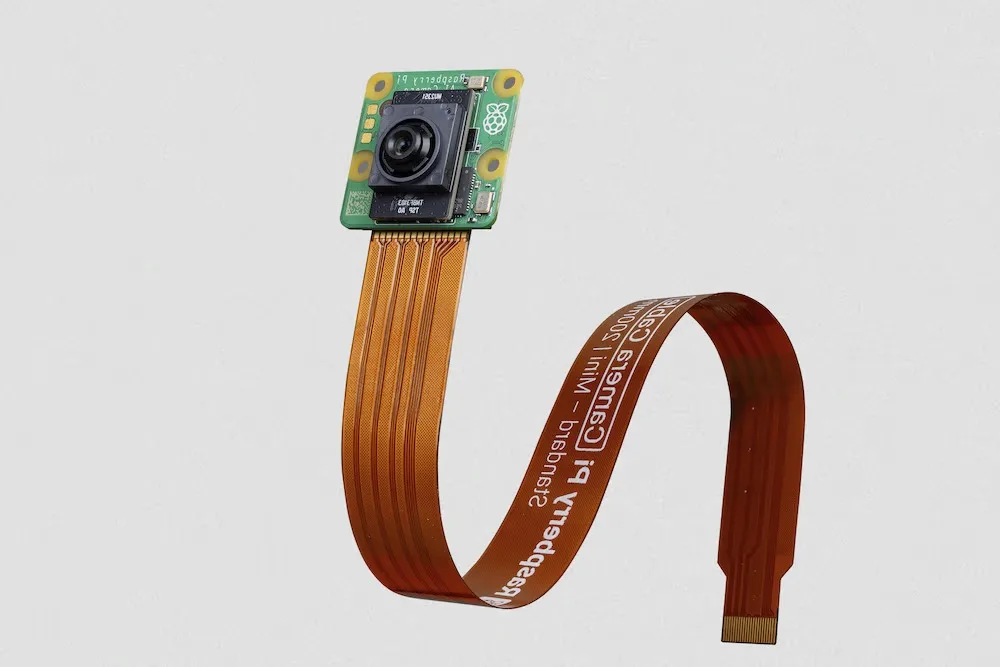
Since its launch, developers have called for a crucial tool: the ability to manually inject tensors to test their models. This feature is finally available.
Why Is This a Game Changer?
Because deploying an AI model on the edge is the easy part. The real challenge is validating its quality, stability, performance, and robustness in real-world conditions. Tensor injection is a reliable and repeatable debugging method: you can feed the model with images from a dataset—COCO, custom, or otherwise—and continuously verify its behavior.
No need for a real camera. No need for complex test conditions. No need to bypass the internal network layers.
This is the feature that was lacking to transition from tinkering to production.
How to Activate the New Tools?
As is often the case with Raspberry Pi, it’s simple:
sudo apt update
sudo apt full-upgrade -y
The team even provides an example script to test tensor injection immediately.
Raspberry Pi Finally Positions Itself as a Mature AI Platform
With the AI HAT+ now fully integrated, increased driver flexibility through DKMS, and an AI Camera equipped with professional-level debugging tools, Raspberry Pi clearly speaks to a new audience: those involved in serious edge AI, where performance, reliability, and rapid iteration are crucial.
This is no longer just a maker’s gadget. It has evolved into a hardware and software stack that begins to compete with industrial solutions… at a fraction of the cost.