

Samsung Privacy Display: How the Galaxy S26 Ultra’s Screen Will Make Your Data Invisible to Neighbors?
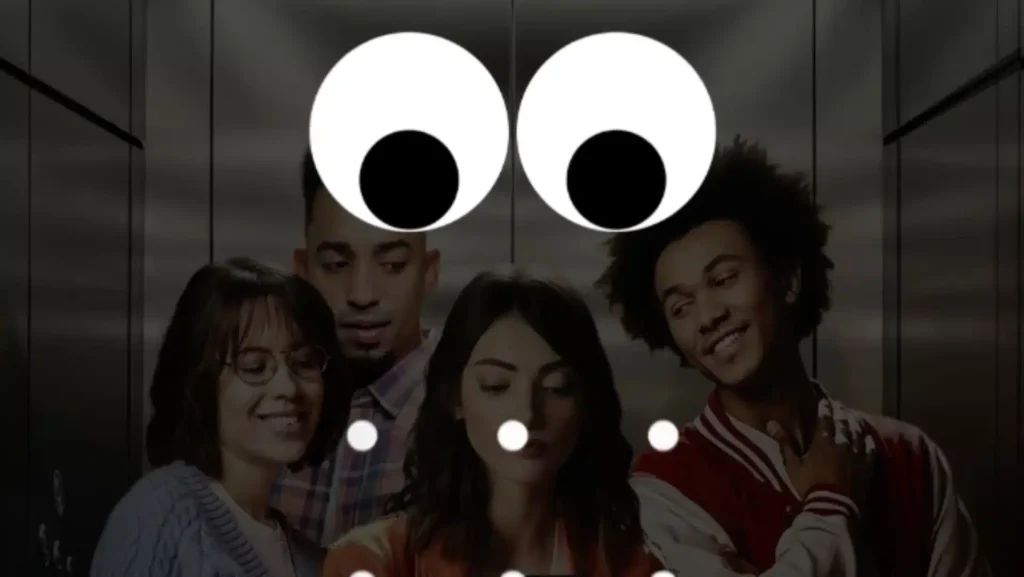
On the subway, in an elevator, at a coffee shop checkout: our screens are often on display, but our data deserves protection. Samsung has recently released a first teaser promising “a new layer of privacy” designed to protect your phone from shoulder surfing—those furtive glances attempting to catch a code, password, or notification as you go about your day.
Beyond the marketing narrative, one critical detail stands out: Samsung indicates an integrated native protection within the display, significantly more refined than a simple privacy filter that darkens the entire screen.
While the messaging remains intentionally vague, it aligns almost perfectly with persistent rumors: the introduction of a “Privacy Display” on the Galaxy S26 Ultra, based on specialized display technology.
What Samsung Is Really Announcing: “Visible” Privacy, But Not Binary
In its official communication, Samsung describes a protection that goes beyond an “on/off” mode. The company emphasizes a customizable approach that can adapt to different contexts: specific apps, particular moments (e.g., unlocking), or even notification pop-ups.
Another key point: Samsung mentions a balance between security and daily usage—a “hardware + software fusion” refined over the years, incorporating real-world behavior studies.
In short: the goal is not to blind everyone all the time, but to protect what needs protecting at the right moment, without turning the screen into a dim display.
Mask Only a Zone (Notification, Input Field), Not the Entire Display
This is where the leaks align perfectly with the teaser. Multiple sources report a “selective” behavior: sensitive content (for instance, a notification) remains visible from the front but becomes black/unreadable from the sides, while the rest of the screen remains normal.
Ice Universe also shared elements supporting this idea, demonstrating that the privacy effect applies to a small section of the interface rather than the entire display.
If Samsung delivers on this promise, it marks a significant advancement: privacy would no longer be a constant “curtain,” but a dynamic layer placed where the risk is concentrated (codes, OTPs, notifications, identification fields).
A Hardware Advantage (Flex Magic Pixel) Rather Than Just a Software Setting
Samsung has yet to disclose the exact name of the technology discussed in this teaser, but many rumors link it to Flex Magic Pixel, a display solution that would allow for angle control “down to the pixel.”
This is precisely why the “Privacy Display” could become a premium differentiator: if the function relies on a specific display type, it may be restricted to certain models—often mentioned, the possibility of an exclusivity for the Galaxy S26 Ultra is frequently highlighted.
Samsung also teases that it is “coming to Galaxy very soon,” without confirming the compatible device list—this ambiguity is typical of an announcement that prepares for a more comprehensive product demo at a launch event.
A Feature for the Masses… That Finally Addresses Real Life
If this functionality remains exclusive to the Galaxy S26 Ultra, Samsung holds a rare marketing lever, with an impressive in-store demonstration. The most intriguing aspect is that Samsung is opting for an innovation that is immediately understandable. No need to explain TOPS, NPUs, or benchmarks: everyone has experienced that instinct to turn their phone, lower the brightness, or cover the screen with a hand.
If the Privacy Display is genuinely finely customizable (by app, by zone, by notification) and capable of protecting authentication moments as well, Samsung could fulfill a rare promise: security expressed within the interface, not just in a chip or menu.
The next question will involve the trade-offs: readability in bright sunlight, color accuracy, “normal” viewing angles when sharing the screen, and energy impact. Samsung claims to have calibrated the solution to “protect without inconvenience”—but it will ultimately be the demo and the usage that will verify this claim.



