

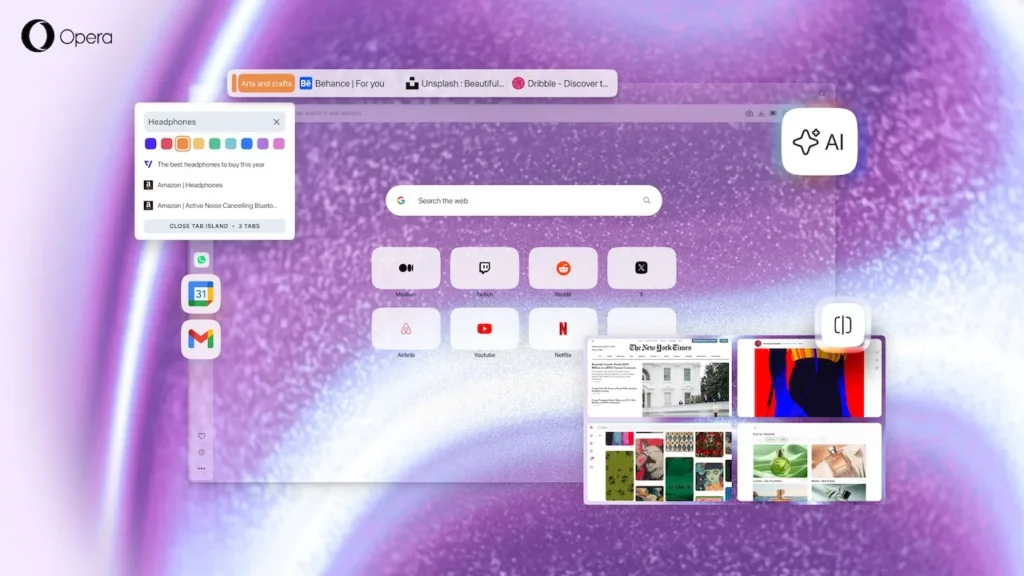
Opera One R3: The Browser That Wants to Eliminate Disorder with Its Colorful ‘Tab Islands’
Opera is reviving its tradition: an annual “renaissance” of its flagship browser with an update that seeks not just a wow factor, but a smoother experience. Opera One R3 focuses on three concrete aspects—better organization, clearer context separation, and enhanced testing—with a single aim: to transform the browser into a cockpit where you can spend your day without losing your way.
“With this new version of Opera One, all your tabs are carefully organized into color-coded Tab Islands, your integrated AI functions within the context of each of these groups, and your browser offers a personalized theme and soundscape. The beginning of this new year is the perfect time to treat yourself to the best browser for working with as many tools, websites, and AI services as you want, all within a stunning visual and auditory environment,” states Mohamed Salah, senior product director at Opera.
Tab Islands: From ‘Practical’ to ‘Readable’ Tab Management
The standout feature of Opera One R3 is its Tab Islands (automatically created tab groups based on “context”), which finally get what they needed to become obvious in daily use: a name and a color. You can now label a “Work” island in blue, a “Research” one in green, and a “Shopping” one in pink—and most importantly, identify them without opening them.
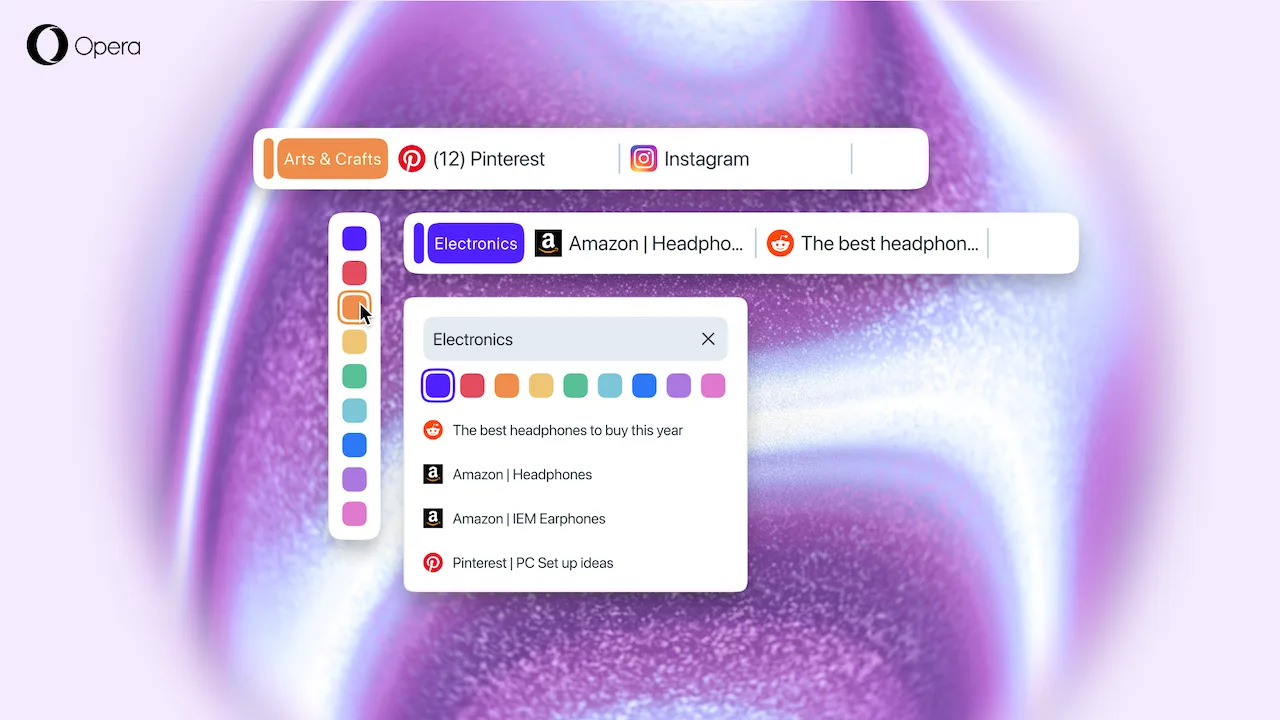
On paper, this detail seems minor. However, it addresses a fundamental issue: organization is only useful if it’s instantly understandable, and color is the fastest tool for visual memory.
An AI That Finally Respects Context (and Promises a 20% Speed Boost)
Opera boasts a “reconstructed” AI, built on a new architecture from the agent-based engine of Opera Neon, promising responses that are 20% faster. However, the most intriguing idea lies elsewhere: the AI can work at the level of a tab or a Tab Island, to prevent topics from mixing (the real downfall of assistants when switching between tasks).
And if you’d rather not have it, Opera clarifies that the feature can be turned off.
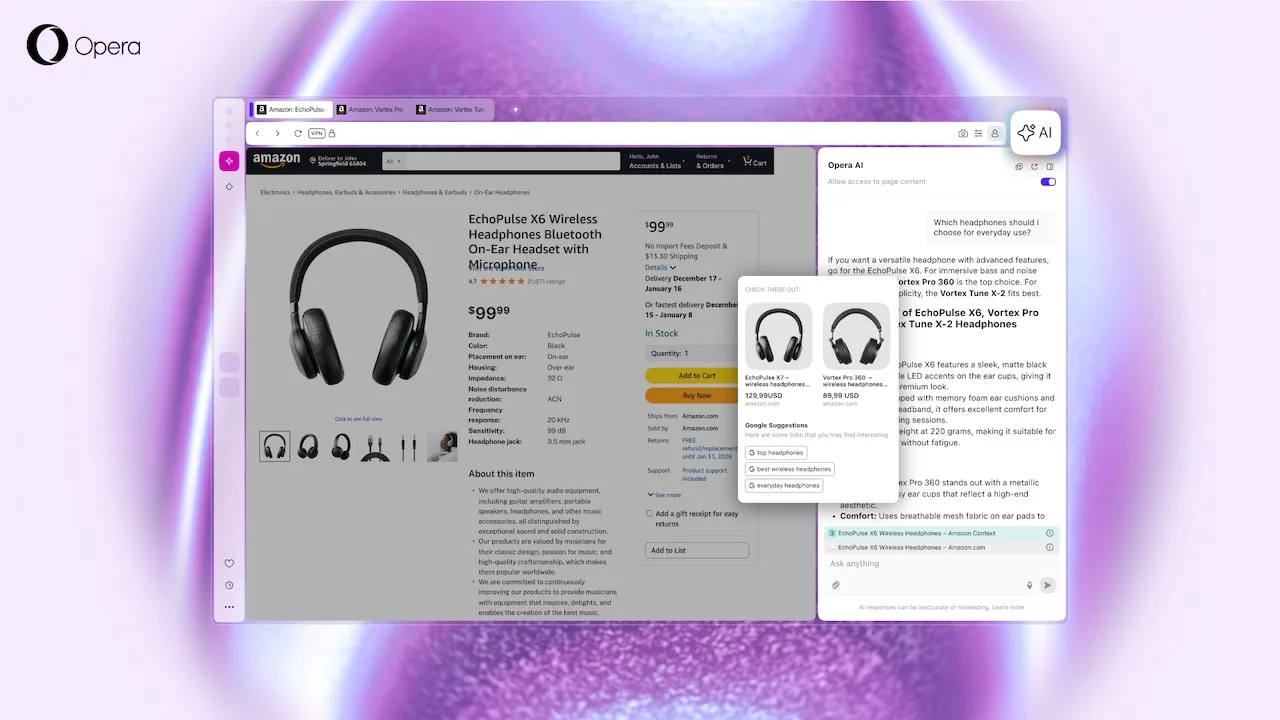
Opera also highlights a very “2026” use case: asking questions about a YouTube video, locating a specific moment, or summarizing a lengthy topic.
Early Bird Replaces Opera Beta: Test New Features Without Changing Browsers
The second shift in products: Opera is abandoning the concept of a separate Beta browser. Instead, a simple Early Bird toggle within Opera One allows users to activate experimental features, module by module. As a direct consequence, Opera Beta will be discontinued, with support ending on January 14, 2026 (Opera Developer will continue to be maintained).
This is a strategic change: Opera aims to reduce fragmentation and bring experimentation into the everyday browser experience.
Screen Sharing Up to 4 Views, Gmail/Calendar in Sidebar, and Dynamic Themes
Opera One R3 also introduces several productivity enhancements:
- Screen sharing: the capabilities expand from two views to up to four, with layouts (horizontal/grid)—but this new feature is set to be part of Early Bird.
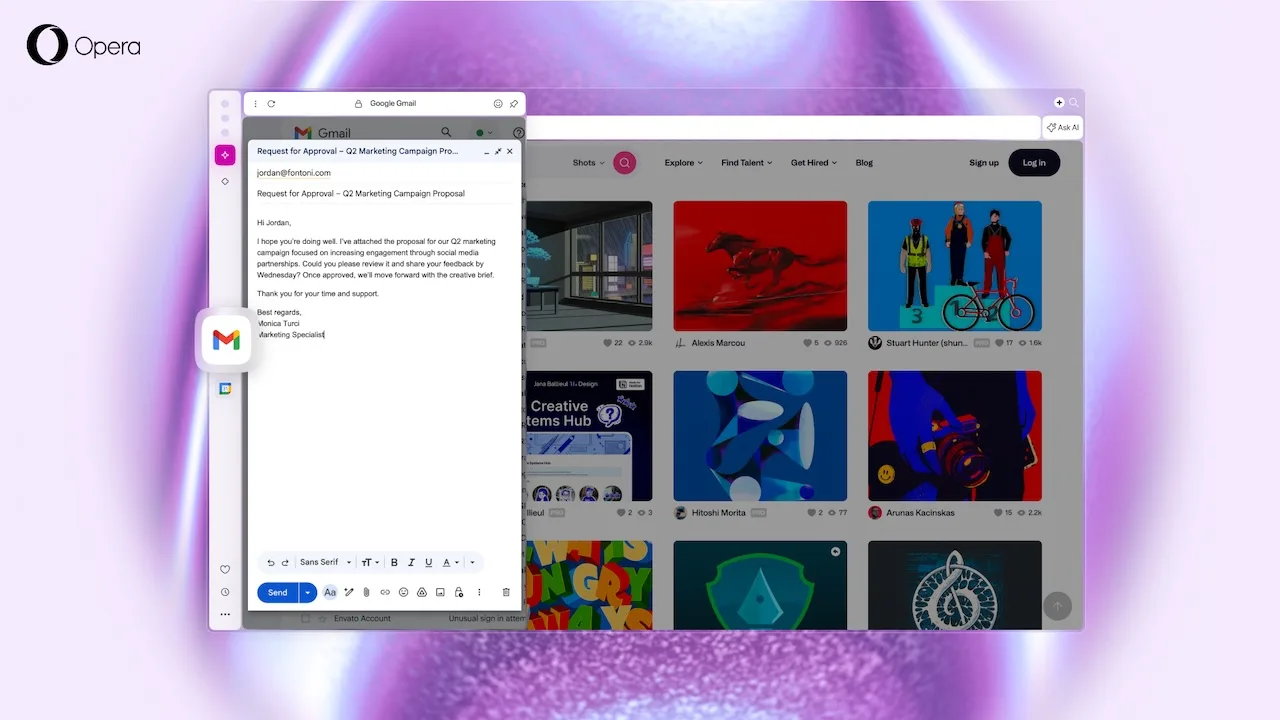
- Sidebar: the addition of Gmail and Google Calendar, alongside the already popular integrations (messaging, music, etc.).
- Dynamic themes: Radiance, Orbit, and Sonic, with an “R3” sphere-centered identity; Sonic, designed with Spotify, reacts to the music played through the browser’s player.
Opera Aims to Be More Than an ‘Alternative’ Browser, But a Work Interface
Opera One R3 illustrates a clear message: Opera is betting on context management as its differentiator—grouped tabs, segmented AI, sidebar modules, and screen sharing. While Chrome and Edge focus on compatibility and performance, Opera strives to sell a seamless workflow.
The timing is also noteworthy: Mozilla is pushing forward with “felt” improvements. In other words, the browser is becoming a ground for incremental yet decisive innovations once again.



