

NotebookLM: You Can Finally Import Your Books in EPUB Format
NotebookLM is continuously evolving, and Google has just introduced a long-awaited feature: support for EPUB files. The official NotebookLM account confirmed this rollout on X with a clear message: it is now possible to import EPUB files as sources within a notebook.
This significant update brings NotebookLM closer to a more natural usage for those who read digitally. Until now, the tool already supported various source formats including Google Docs, Google Slides, PDFs, text files, audio files, images, web URLs, and public YouTube videos.
The official Google documentation hadn’t previously listed EPUB as a supported format, highlighting that this addition addresses a genuine need.
For everyone who saw our basketball post and thought, “I’d rather be in the library…” this one’s for you. One of our MOST requested features:
You can now upload ePub files as sources 🥳!
Time to bring your books, study guides, and novels to life. What are you uploading first?
— NotebookLM (@NotebookLM) March 9, 2026
NotebookLM: A Logical Addition for a Source-Centric Tool
The appeal of NotebookLM lies in its fundamental difference from traditional chatbots. Google describes it as a research and reflection tool that analyzes the sources you provide and responds based on them. This approach limits vague or disconnected responses, contributing to its popularity among students, educators, researchers, and avid readers.
In this context, the introduction of EPUB is a sensible move. It is one of the most widely used formats for e-books, particularly because it is reflowable, adjusting to different screen sizes. In contrast, PDFs maintain a fixed layout.
This means that users can now import novels, manuals, study guides, or essays into NotebookLM without needing to convert them beforehand.
What This Change Means in Practice
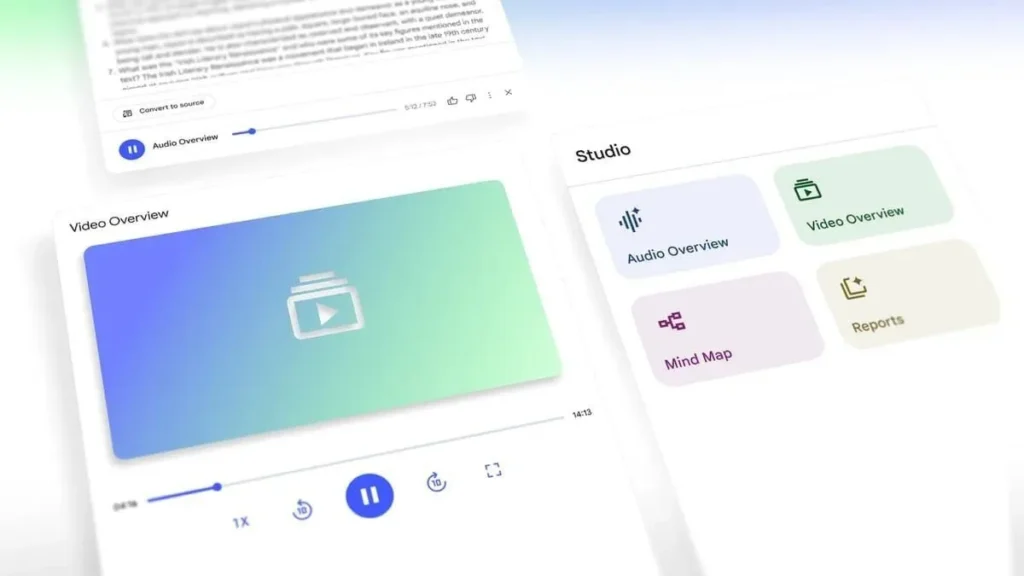
With the new support, an EPUB book can now serve as a foundation for the entire NotebookLM ecosystem. Imported sources can be summarized, queried, transformed into study guides, FAQs, plans, or even Audio Overviews and Video Overviews. The main advantage is the ability to treat e-books just like other accepted sources on the platform.
For students, this is particularly beneficial. An EPUB manual or course collection becomes easier to explore, summarize, and repurpose. Regular readers can also utilize this feature more personally, such as transforming a dense book into a quick synthesis, an audio aid, or a visual overview.
This last point is an inference, but it directly aligns with the functions already offered by NotebookLM based on imported sources.
NotebookLM Also Expands Its Infographic Styles
Google didn’t stop at just adding EPUB. NotebookLM has also confirmed that custom infographic styles are now available to all users. This update was initially shared publicly through the team’s social media channels and confirmed by the official help documentation on infographic generation.
Custom infographic styles have officially rolled out to 100% of users!
Which is your favorite style so far? Also, what custom styles should we add next?
— NotebookLM (@NotebookLM) March 9, 2026
The official NotebookLM help page explains that when generating an infographic, users can open a customization panel to express their preferences. Reports indicate that this now includes 10 specific styles: Sketch, Kawaii, Professional, Scientific, Anime, Clay, Editorial, Instructional, Bento Grid, and Bricks.
Users can also choose landscape, portrait, or square orientation, as well as a level of information that is Concise, Standard, or Detailed.
A Subtle Yet Significant Evolution
On paper, the addition of EPUB may seem less dramatic compared to features like Cinematic Video Overviews and other striking updates recently introduced by Google. However, it’s arguably the type of improvement that most significantly alters daily usage. EPUBs are ubiquitous in digital libraries, and their absence was a clear hindrance for a tool intended to aid with learning, reading, and information structuring.
In short, Google is making NotebookLM more aligned with real digital reading habits. The tool no longer looks only at notes, PDFs, and office documents; it is increasingly incorporating the world of e-books. For students, researchers, and all avid readers, this straightforward enhancement is both significant and valuable.



