

Does Your Android Know Too Much? A Guide to Regaining Control
An Android smartphone does more than just run applications; it continuously collects, links, and analyzes your usage data, often through your Google account. This stream of information fuels valuable services—navigation, recommendations, backups, and personalization—but it also creates a remarkably precise digital portrait of your habits.
Understanding how this works is not abstract; it is essential for configuring your phone with clarity, balancing comfort and privacy.
Android: Location Remains the Most Sensitive Data
The most personal signal is often geographical. Google can use multiple sources to estimate your location: GPS, Wi-Fi, mobile network, Bluetooth, IP address, and nearby detected devices or beacons. Google specifies that its location services can operate with or without GPS when location access is enabled.
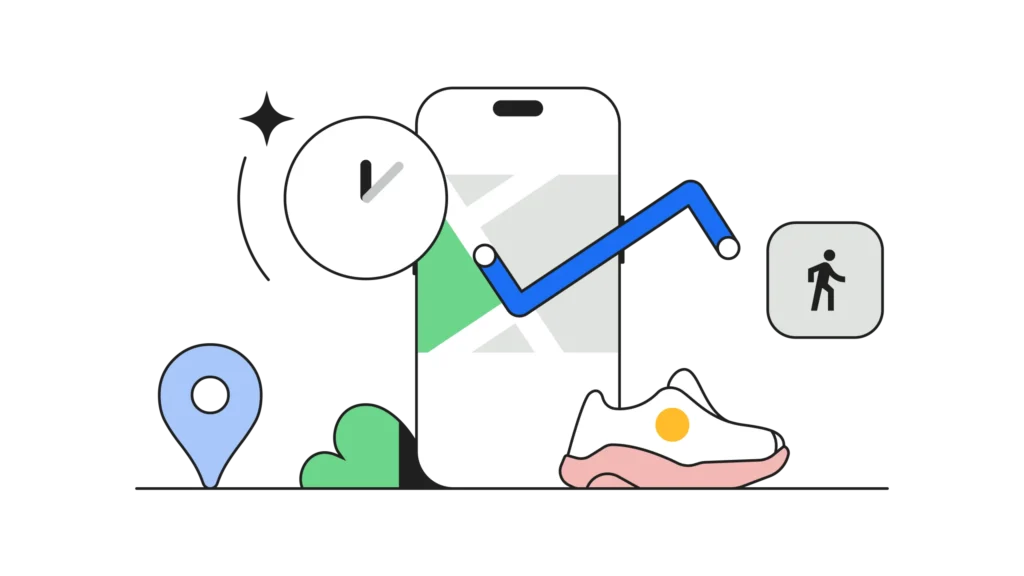
When the Timeline feature is activated, Google Maps can automatically log your visits and routes to reconstruct a timeline of your movements. Google notes that this option is off by default and can be turned on or off at any time, with users able to review, modify, or delete their Timeline data.
This point is crucial since many users confuse “phone location” with “places history.” The two do not completely overlap. A device can utilize your location to function without keeping a detailed history of your routes in Timeline.
The Real Issue Is Not Just Where You Are, But How You Live
Beyond the map, Android and applications can also exploit activity data. Android’s permission system allows users to control each app’s access to sensitive categories such as location, sensors, and depending on usage, physical activity or health data. Google clarifies that these permissions can be managed from the Permission Manager.
In practical terms, this shifts the landscape significantly. An app that can access your physical activity, location, or travel habits can deduce much more than just a point on a map: your routines, departure times, travel durations, and even recurring lifestyle patterns.
It’s essential to correct a commonly repeated claim: no credible official source suggests that Google tracks you “every 15 minutes,” even if GPS is disabled. However, official sources do confirm that location can be estimated without GPS via Wi-Fi and mobile networks when location settings remain active.
Advertising Personalization Relies on This Usage Profile
Google also utilizes account-related activity to adjust the ads displayed on its services and, depending on settings, on partner sites and applications. My Ad Center allows you to enable or disable ad personalization, and Android also facilitates resetting or deleting the device’s advertising ID.
The stakes go beyond mere advertising. This kind of setting demonstrates that the Google ecosystem does not operate solely based on individual queries, but rather based on a history of interactions: searches, app usage, topics browsed, activity on Google services, and sometimes geographical context. This accumulation transforms a series of mundane actions into an exploitable profile.
Photos Often Reveal More Than the Image Itself
The issue of privacy extends beyond active location data. Photos and videos may contain metadata, including date, time, and sometimes location. In the Google ecosystem, this information can be used to automatically organize the photo library and enhance the search experience. Google Photos help discussions also show that users frequently check these EXIF details or question their retention.
In other words, a cloud-stored image does not simply tell you what it depicts; it can also document when and where it was taken according to the metadata available at the time of capture or storage. Again, this isn’t necessarily problematic, but it is rarely perceived with enough clarity.
Regaining Control Is Possible, If Android Is Configured Thoughtfully
The good news is that Android still offers significant room for maneuver. You can turn off or limit Timeline, review app permissions, restrict location accuracy, disable ad personalization, and delete the device’s advertising ID. Google provides specific settings for each of these layers.
Perhaps the most strategic aspect is distinguishing three levels. First, the system location, which allows the phone to function correctly. Next, the history and data associated with the account, like Timeline or Activity on the Web and apps. Finally, the permissions granted to each application. It is within this granularity that true privacy control is realized.
Android remains an extraordinarily convenient system because it knows a lot about you. The real question is: how far are you willing to trade convenience for visibility about your daily life? In 2026, privacy on smartphones is no longer just an on/off switch. It consists of a series of settings, compromises, and conscious choices. This complexity is precisely what makes understanding it essential.



