

Google Vids changes dimensions: Controllable AI avatars and Veo 3.1 arrive
Google significantly enhances Google Vids, its integrated video creation tool within Workspace. With this latest wave of features, the goal is clearer: minimize friction between an idea, a script, and a presentable video without forcing users to juggle multiple tools.
An Upgrade That Transforms Google Vids Into A True AI Studio
Google Vids has evolved beyond merely assisting with storyboarding animated presentations. The platform is moving closer to a lightweight video studio designed for professional usage: training, product demonstrations, internal communication, tutorials, or simple marketing content.
Google already markets Google Vids as an AI-assisted video creation application capable of generating clips, adding avatars, recording screens, and producing videos faster.
The most notable new feature concerns the avatars. According to early details reported on April 2, they are now “controllable”: users can position them within a scene and describe via prompts what they should do or show. The clear objective is to make AI-generated videos less rigid, visually coherent, and ultimately more credible in a professional context.
More Controllable Avatars, More Exploitable
Strategically, this update’s core focus is on these AI avatars, which already exist within Google Vids and have their usage documented in the product help section. They can read a script with an associated voice in several languages, including French, German, Italian, Japanese, Korean, Portuguese, and Spanish.
However, the new capabilities promise to maintain a more stable visual and vocal identity from scene to scene, while providing greater control over appearance, clothing, and environment through customizable avatars, according to reports published today.
In essence, Google is striving to transform the AI avatar from a mere automated narrator into a genuine reusable presenter.
This is a significant shift, as in practical use, the limitation of many AI video tools lies not in raw generation but in inconsistency. An avatar that subtly changes face, tone, or posture from shot to shot immediately undermines the illusion of professionalism. Google seems to be acutely aware of this friction point.
Veo 3.1 Arrives In Google Vids With A Very Structured Logic
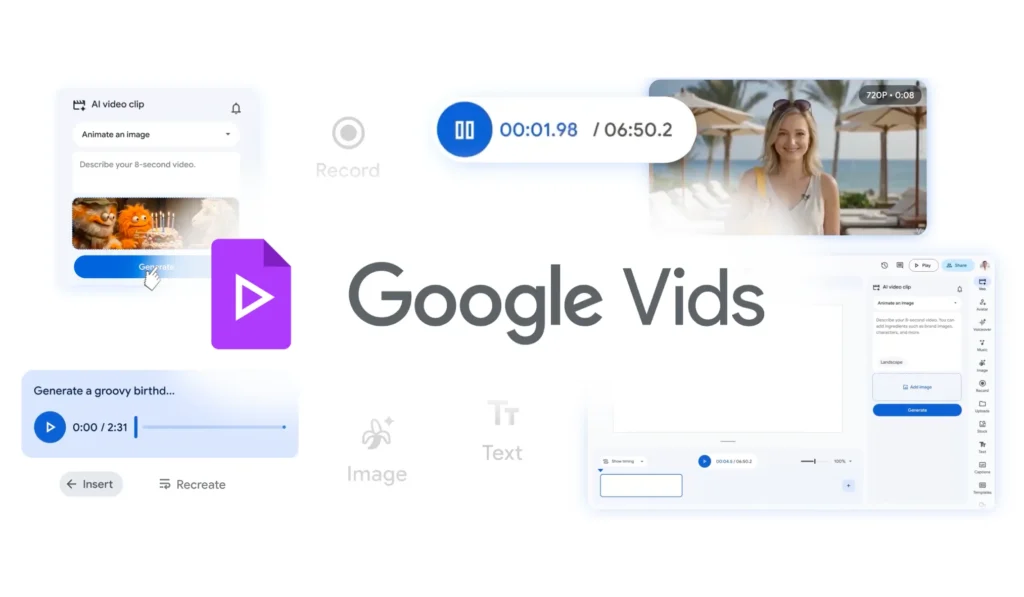
Another major announcement is the integration of Veo 3.1 into Google Vids. Google now allows users to generate 8-second clips directly in the tool, based on a text prompt or image, offering 10 free generations per month for standard accounts, while some premium plans allow for much higher limits.
From a product perspective, this is clever. Google doesn’t transform Vids into an unlimited video generator aimed at cinema or entertainment but instead places Veo into a structured workflow for office and professional use. The generated clip becomes an illustration, contextual element, or staging piece, rather than necessarily the entire video. This approach seems more realistic for Workspace.
Google further describes Veo 3 as its most advanced video model, emphasizing visual quality and fidelity to prompts, while Veo 3.1 adds more creative controls in AI Studio. The integration of this technology into Vids illustrates Google’s intention to introduce its most visible models into practical daily uses.
YouTube And Screen Recording: Google Removes Small Frictions
This update becomes even more intriguing in operational details. Google already allows, via its official help, the direct export of a Vids project to YouTube. Videos sent this way are published as private by default, avoiding premature posting.
This may seem secondary, but it’s precisely the kind of feature that changes usage frequency. Downloading a file, checking encoding, re-importing, republishing: these are small frictions, but they weigh heavily in marketing, sales enablement, or training teams.
The same logic applies to screen capture. Google Vids already allows the recording of camera, audio, screen, or both directly in its recording studio. Today’s announcements additionally introduce a dedicated Chrome extension to capture this type of content more quickly, without needing to first open the entire Vids interface.
Google Pushes Vids Towards “Assisted, Not Magic” Corporate Video
What stands out from this update is a sense of maturity. Google isn’t merely selling a dream of total automation. It is primarily tackling the most tedious tasks: creating a coherent presenter, generating a short visual plan, quickly recording a tutorial, publishing without unnecessary steps.
This is likely where Google Vids has a real advantage over more flashy tools that may not fit as seamlessly into enterprise workflows. After all, the market is not lacking AI capable of generating impressive demo videos. What it lacks is tools capable of consistently producing clean videos for real work.
Google benefits structurally here: Vids already exists within the Workspace ecosystem, alongside Docs, Slides, Drive, and YouTube. This proximity provides a much clearer rationale for use than a standalone video generator.
A Credible Upgrade, But To Be Confirmed In Use
On paper, the direction is very convincing. In practice, everything will depend on three factors: the actual quality of the avatars across multiple scenes, the relevance of Veo clips in a professional context, and the smoothness of editing for non-specialized users.
For now, Google appears to be steering Vids in the right direction: less as another AI gimmick and more as a streamlined production tool designed for teams eager to move quickly without sacrificing visual quality. If this trajectory continues, Google Vids could become one of the most interesting products within the current wave of AI in Workspace.



