

Google Meet: Automatic Echo Cancellation Mode Finally Comes to Your Smartphones
Entering a room, opening Google Meet, and avoiding the classic problem of “who left their mic on?” Google is rolling out a very practical feature: automatic detection of conference rooms in Google Meet on Android and iOS, using inaudible ultrasonic technology.
The goal is to guide you to the right spot in the right format without triggering echoes or feedback.
Google Meet: A Function Already Known on Laptops, Now Useful on Smartphones
Google had already introduced this mechanism on computers: when you are physically in a equipped room, Google Meet guides you on how to join the meeting. The new feature is its arrival on mobile — where you often pull out your phone upon entering a room to “just check” a link, chat, or document.
The rollout is expected to be gradual, over the next two weeks, for Google Workspace clients and Workspace Individual subscribers.
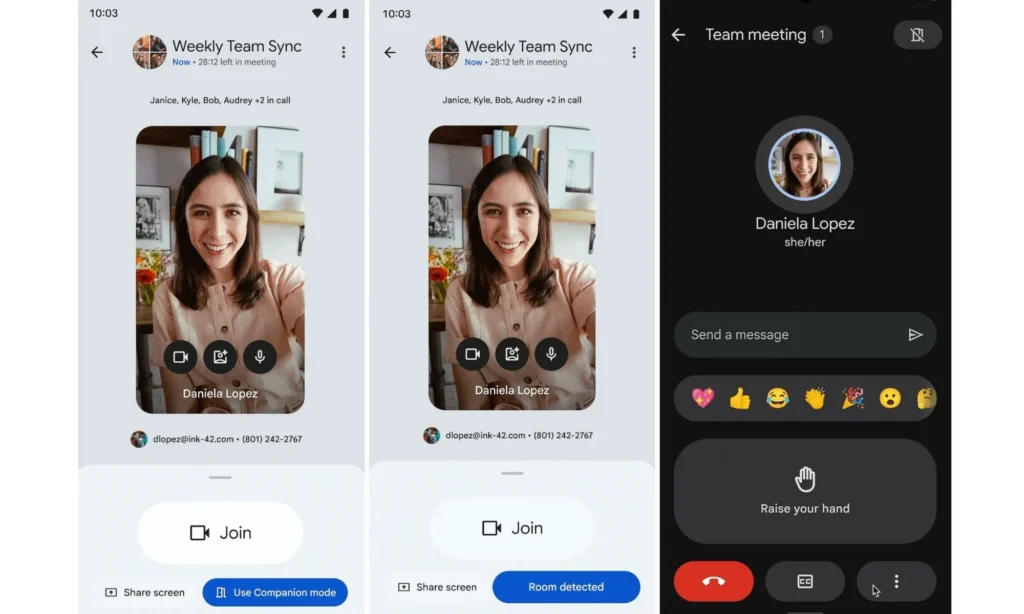
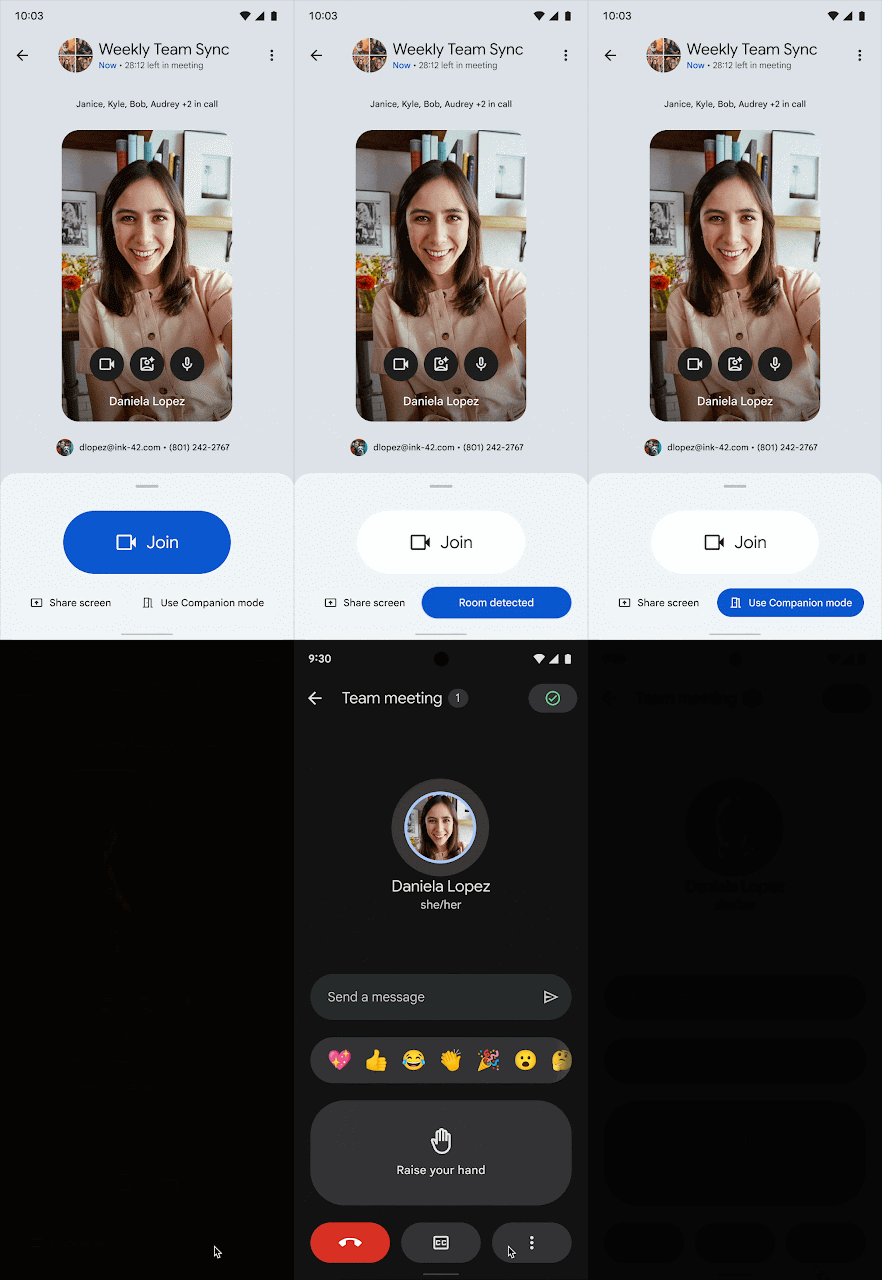
The principle is simple yet clever: compatible room hardware emits a silent ultrasonic signal detected by your phone’s microphone. Google Meet then recognizes that you are in that specific room and highlights the Companion Mode option as soon as you reach the pre-connection screen.
Companion Mode is the key: you join the meeting without activating the microphone or speakers on your mobile, significantly reducing the risks of echo and feedback when the room is already broadcasting audio/video through its main system.
Less Friction, Fewer Human Errors
On paper, it’s a minor improvement. In reality, it’s the kind of detail that eliminates recurring irritants in hybrid work:
- You no longer have to “guess” how to join without disrupting the room’s audio;
- Google Meet suggests the correct mode even before you connect;
- You reduce manipulations and mistakes during meetings (which are often the most visible).
This detection requires microphone access on the phone, as it relies on capturing the ultrasonic signal. Google also notes that Workspace admins have control: the feature can be enabled or disabled based on the room, and there’s an option to join manually if auto-detection fails.



