

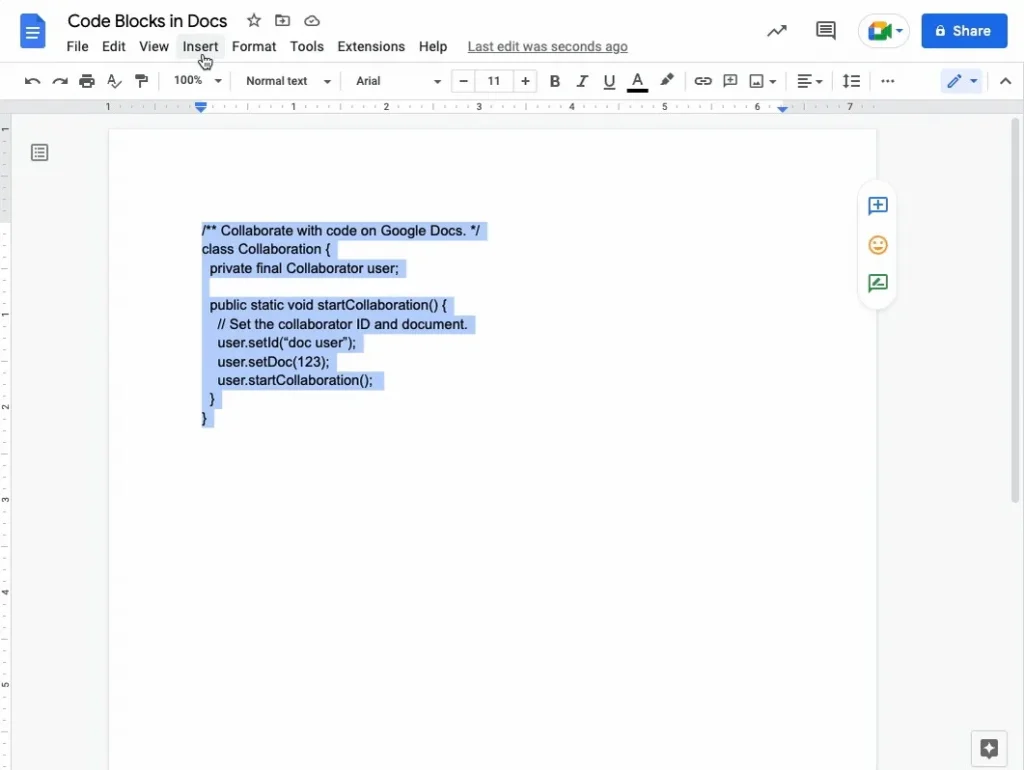
Google Docs now offers code blocks, but not for everyone
Google Docs is one of the most popular tools for creating and sharing text documents. Since December 2022, Google has introduced code blocks in Google Docs — a highly anticipated feature for developers and technical writers. By 2026, this feature has become available to all users, including personal Google accounts.
How Code Blocks Work in Google Docs
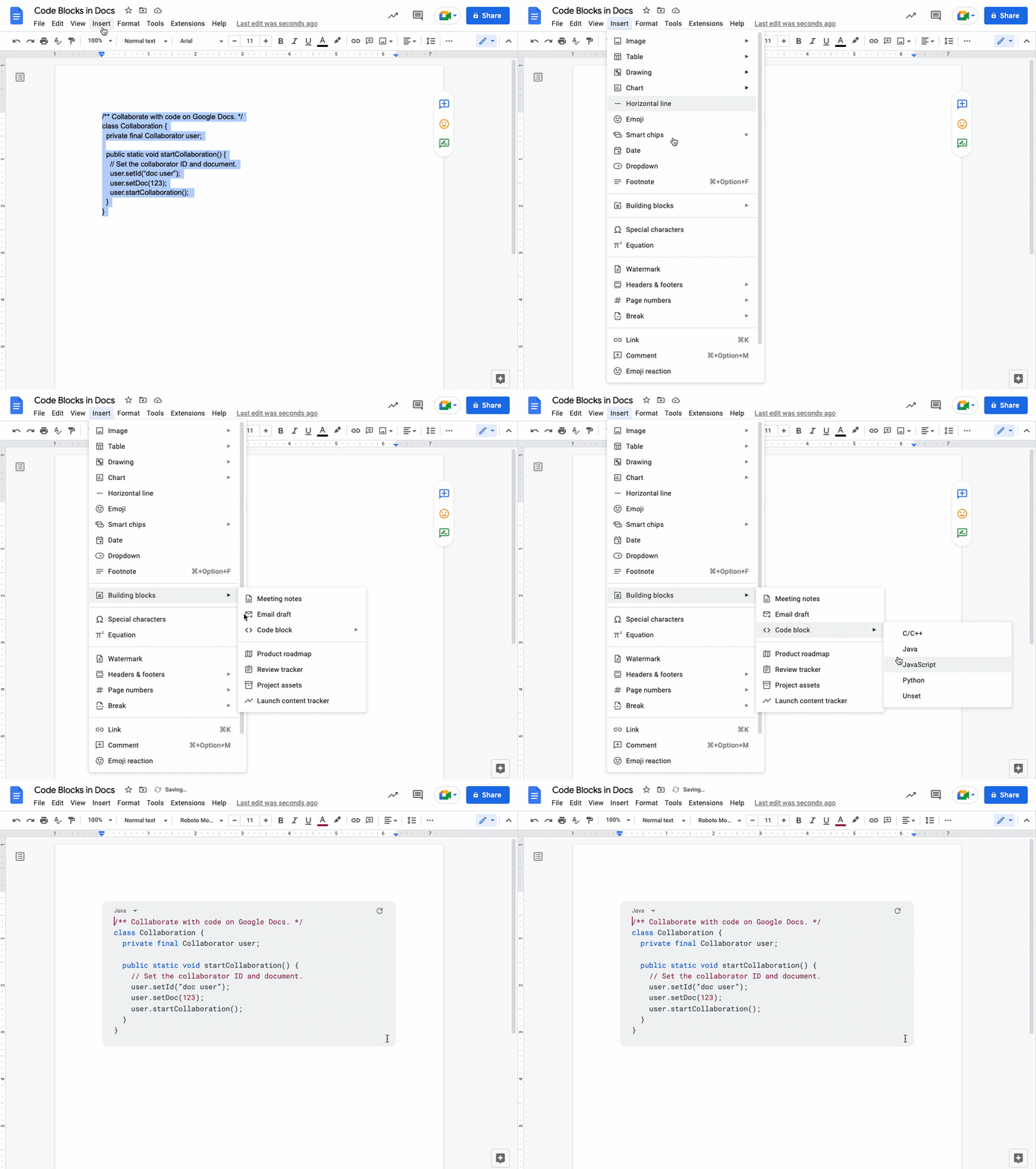
Inserting a code block in Google Docs is straightforward. There are two methods:
- Through the menu: Insert → Building Blocks → Code Block
- By typing @ followed by “code blocks”
You can choose from several programming languages including Java, Python, C++, and JavaScript. Google Docs automatically applies syntax highlighting.
Available to Everyone in 2026
Initially launched in 2022 for Workspace subscribers, Google Docs has since extended this feature to all users, along with 40 new modern templates.
Google Docs in 2026: More Than Just a Word Processor
- Tabs: Organize documents into navigable sections
- Gemini AI: Generate audio podcasts from your documents
- Help Me Refine: Targeted suggestions for enhancing your writing
Our Verdict
The code blocks in Google Docs have become essential for technical documentation. Combined with recent enhancements, Google Docs solidifies its position as a serious tool for developers in 2026.



