

Google Chat adds preview for unread messages on hover
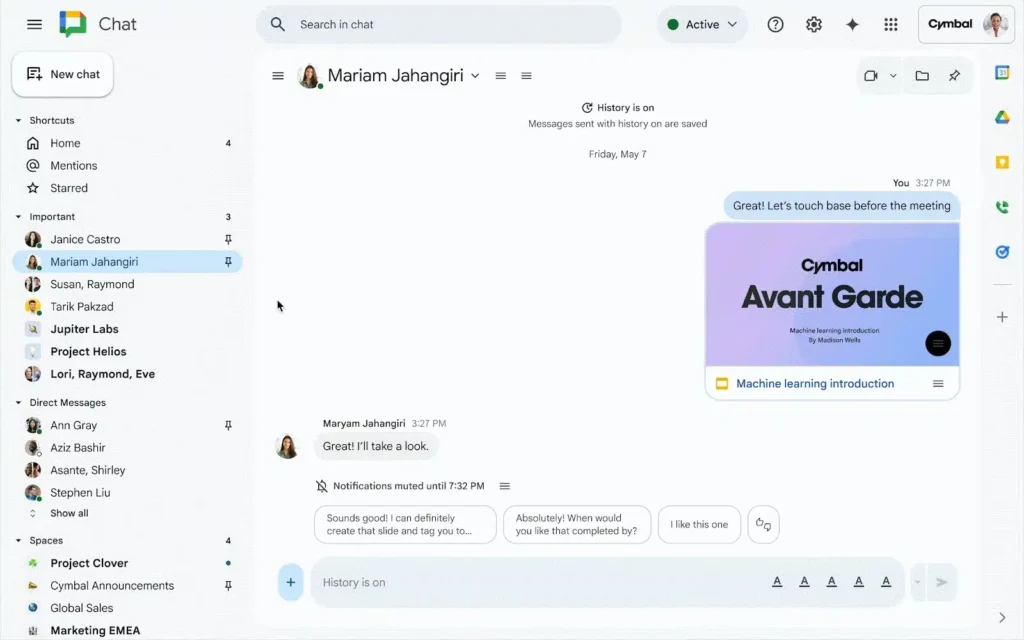
Google Chat is rolling out a very convenient new feature: the ability to preview unread messages directly from the left sidebar.
No need to open a conversation to glance at its content — this is ideal for saving time or avoiding marking a message as read too early.
Google Chat: Preview Unread Messages with a Simple Hover
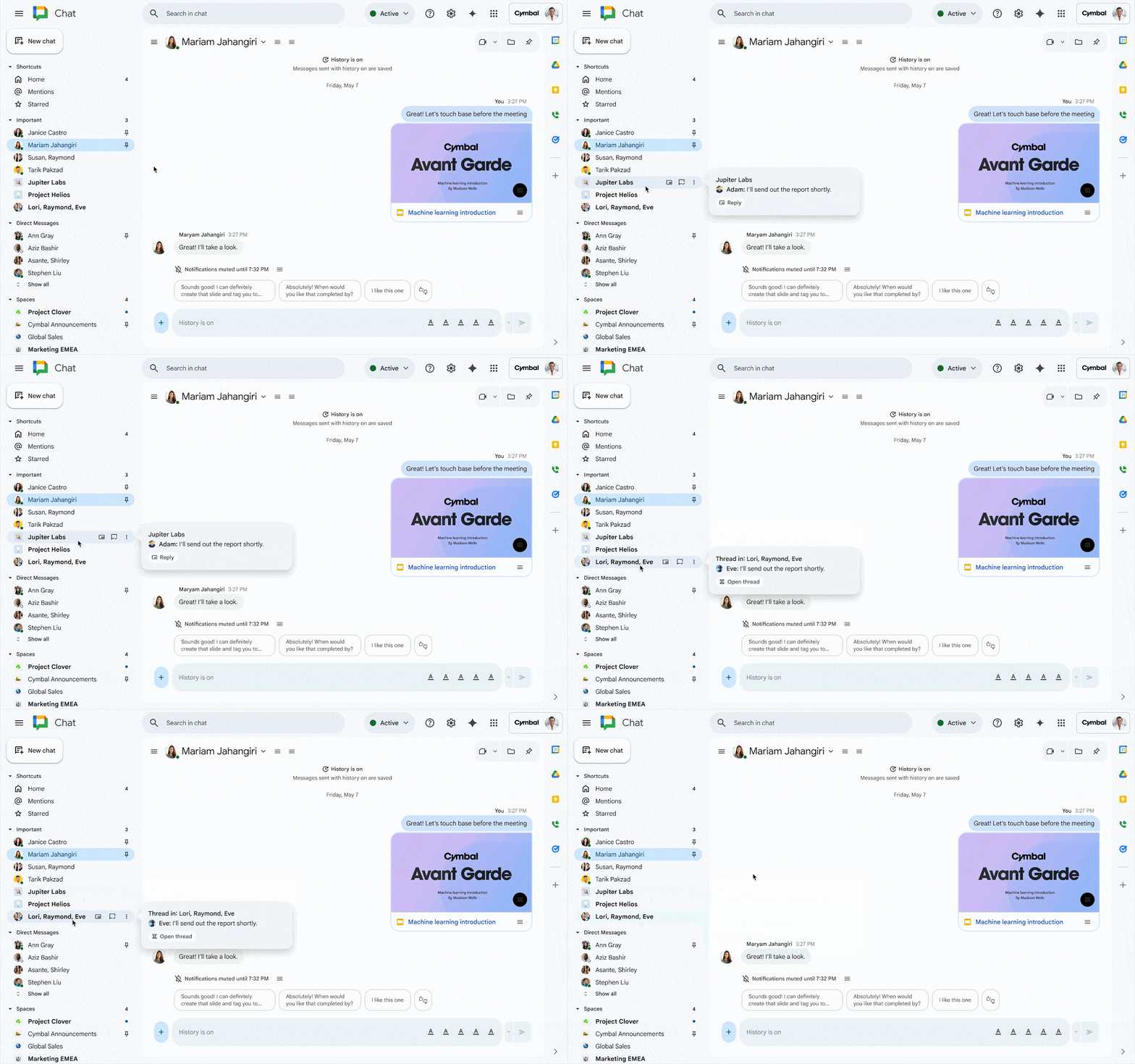
The functionality is straightforward. A conversation in bold indicates an unread message. Now, simply hover over the conversation with your mouse. Google Chat will then display a preview of the last unread message in a small pop-up.
This allows you to immediately determine if it’s an urgent request that needs a prompt response, or a message that can be addressed later. And if you want to open the conversation, you can simply click on it as usual.
Why is this useful? The main advantages are twofold:
- Avoid marking messages as read too early (handy when you need to think before replying).
- Enhance efficiency: no need to open and close multiple windows to sort through messages.
This helps eliminate the constant back-and-forth between different threads — a source of errors or omissions.
Deployment for All Users
The feature is rolling out to Google Workspace customers, Workspace Individual subscribers, and even personal Google accounts.
No settings to activate: it is automatically enabled for everyone with no option to disable it. The rollout begins today and will be completed by mid-December 2025.
Is Google Chat Still Too Tied to Gmail?
Many hope that Google will evolve Google Chat into a more independent application. Currently, its integration with Gmail can make it less intuitive to use in a professional context, leading to some users opting to send emails instead of messages. In personal contexts, it still feels odd to be “invited” to chat via Gmail rather than sending a text message.
This evolution may not be on the immediate horizon, but this update offers a nice convenience for daily use.
Egnyte Integration: Enhanced Collaboration
This improvement comes as Google announces another Workspace feature: integration with Egnyte, now available to all users. With this integration, users can find, open, edit, and manage their Google Workspace files without leaving Egnyte, whether on the web, mobile, or desktop.
This is a way to reduce the number of app switches — thus boosting productivity.



