

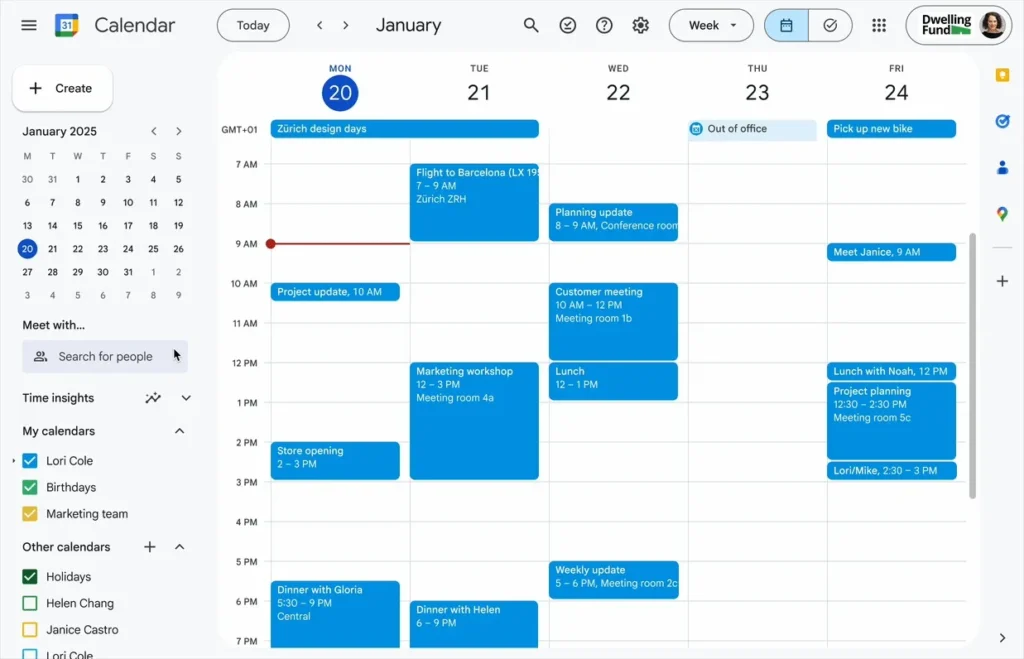
Google Calendar finally transforms its tasks into real work blocks
Google takes a significant step that users have long requested: Google Calendar tasks can now be scheduled as actual appointments, complete with time blocking, “Busy” status, and automatic rejection of invitations. A small update… that makes a big difference.
Tasks Become Full-Time Blocks
The latest update to Google Calendar enhances the Tasks feature to align with the expectations of many professionals. Users can now:
- define a dedicated time slot,
- automatically mark themselves as busy,
- activate a “Do Not Disturb” mode,
- decline meeting requests during that time slot.
In short, tasks behave like meetings.
This welcome update is particularly beneficial for Google Workspace users, who are accustomed to overloaded schedules and a backlog of event requests.
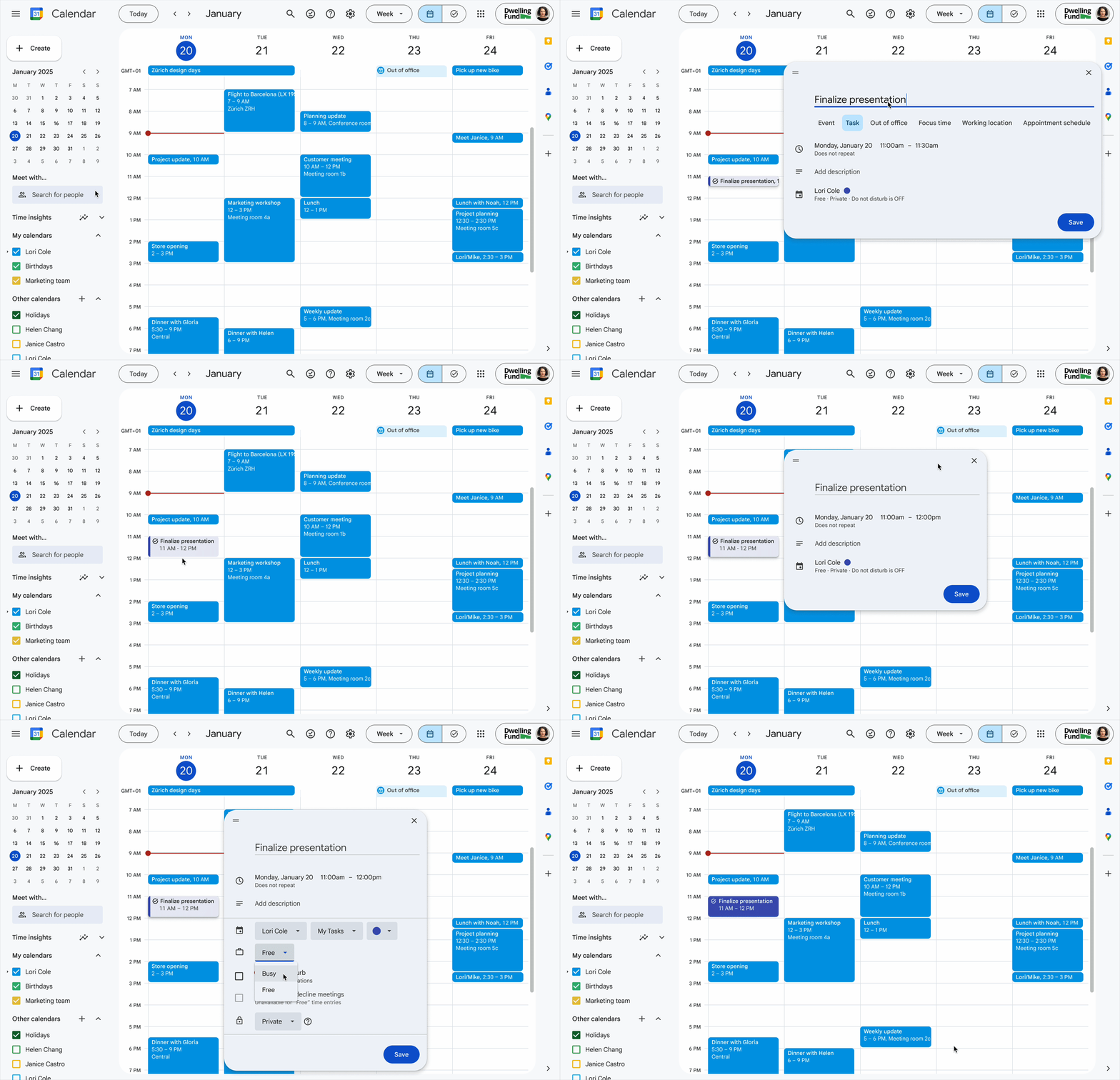
You can also set a due date, though—at present—there is no option to specify a precise time for the deadline.
A Feature Reflecting the Evolution of Google Tasks
Since its launch as a standalone app in 2018, Google Tasks has undergone several updates, including integration with Google Keep, reminder functionalities, and improved synchronization. However, it has never truly existed within the calendar’s time grid.
With this update, Google fulfills a simple need: to “visualize work to be done” as clearly as an appointment. Users accustomed to Outlook or traditional paper planners will find this familiar logic.
The rollout began on Rapid Release domains on November 6 and will extend through mid-December to all Workspace accounts, individual subscriptions, and personal Gmail accounts.
A More Flexible Alternative to “Focus Time”
Unlike the “Focus Time” mode, which generically blocks time, the new version allows users to assign a specific time slot to a particular task. Writing a report, preparing for a meeting, finalizing a presentation: each block becomes a concrete intention, visible and respected by others.
To try out the feature, simply open Google Calendar, click on an empty time slot, and select “Task.”
Toward a Smarter and More Human Calendar
By transforming tasks into actual focus blocks, Google is steering Google Calendar toward a more personal dimension: a tool that protects your time, clarifies your priorities, and makes the invisible visible. This is a subtle yet profoundly useful evolution in a world where calendars have become the center of professional life.



