

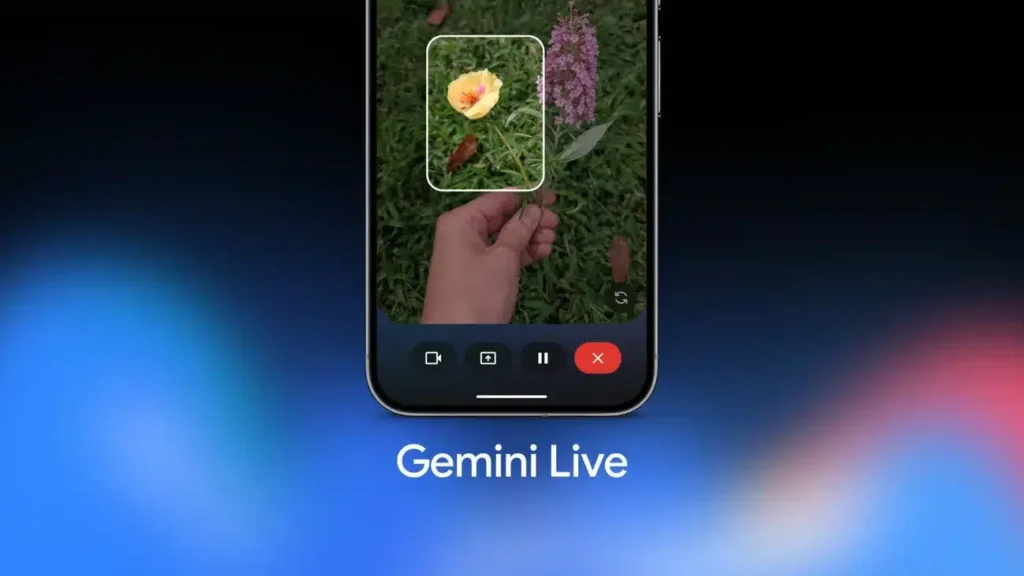
Gemini Live: The New Floating Button That Revolutionizes Multitasking
Up until now, Gemini Live had a very 2024 flaw: as soon as you exited the app, the conversation became a hidden activity, stuck behind the notification panel. Google is addressing this problem with a simple yet significant change: a floating control on the screen, resembling a bubble, allowing you to manage Gemini Live without interrupting what you’re doing.
Several observers report that Google is starting to roll out a new control interface for Gemini Live: instead of relying on the notification bar to check if the assistant is listening or to end a session, you will see a small floating button (and a mini-menu) positioned above your applications.
This isn’t an idea that came out of nowhere: AssembleDebug already mentioned a similar concept at the end of 2025 — a reduced overlay featuring a “return to session” button — but now we are moving from speculation to actual screenshots on real devices.
The new functionality is designed for multitasking:
- A floating button remains accessible while you navigate (Instagram, emails, browser, etc.);
- A mini panel provides access to essential controls (resume, manage, end) without having to pull down the notification bar.
Android Police discusses a revamp centered around a floating action button and a more compact overlay, making the “continuous use” much more natural.

Gemini Live: Less Friction, More Usage
This kind of adjustment may seem minor… until you have it. In practice, it resolves three irritants:
- Visibility: you know that Gemini Live is running, similar to an ongoing call, but without taking over the screen.
- Immediate Control: no need to “pull down” the system UI just to stop a session.
- Continuity: Gemini Live resembles more of a permanent assistant layer, rather than an isolated activity.
This aligns well with Google’s trajectory: Gemini Live is already marketed as a more “natural,” integrated, and fluid assistant, and these micro-interface elements are exactly what transforms an AI demo into a daily reflex.
Gradual Deployment… and the “Pause” Button
Two limitations have already emerged from the initial previews. The pace of deployment: as is often the case with Google, the rollout is gradual (server-side), meaning that two people with the same version may not see the same thing right away. And the “pause”: many overlays offer a true pause option (to hold without finishing). According to the circulating visuals, this control isn’t yet obvious — and it’s often the most requested action for real-world use.
If Google adds a pause feature, a more intelligent mic lock, and consistent shortcuts, Gemini Live could finally become what it promises: a “present” AI that isn’t intrusive.



