

Google Docs: Gemini can now remember your writing style
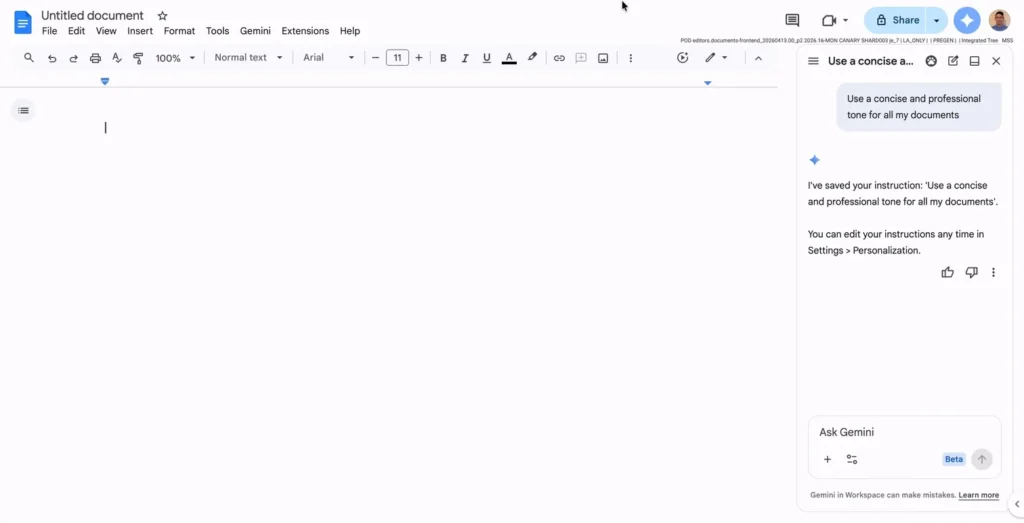
Google has made Gemini significantly more useful within Google Docs. The office suite now includes persistent custom instructions that can guide the AI based on your tone, structure, and formatting preferences.
Instructions Set Once, Applied Subsequently
Previously, Gemini was capable of summarizing, rephrasing, or drafting in Google Docs. However, users often had to repeat the same instructions, such as “be more concise,” “respond in bullet points,” or “adopt a professional tone.”
Now, these preferences can be saved directly from the Gemini sidebar. Google gives examples such as “always respond in bullet points” or “begin summaries with three key points.”
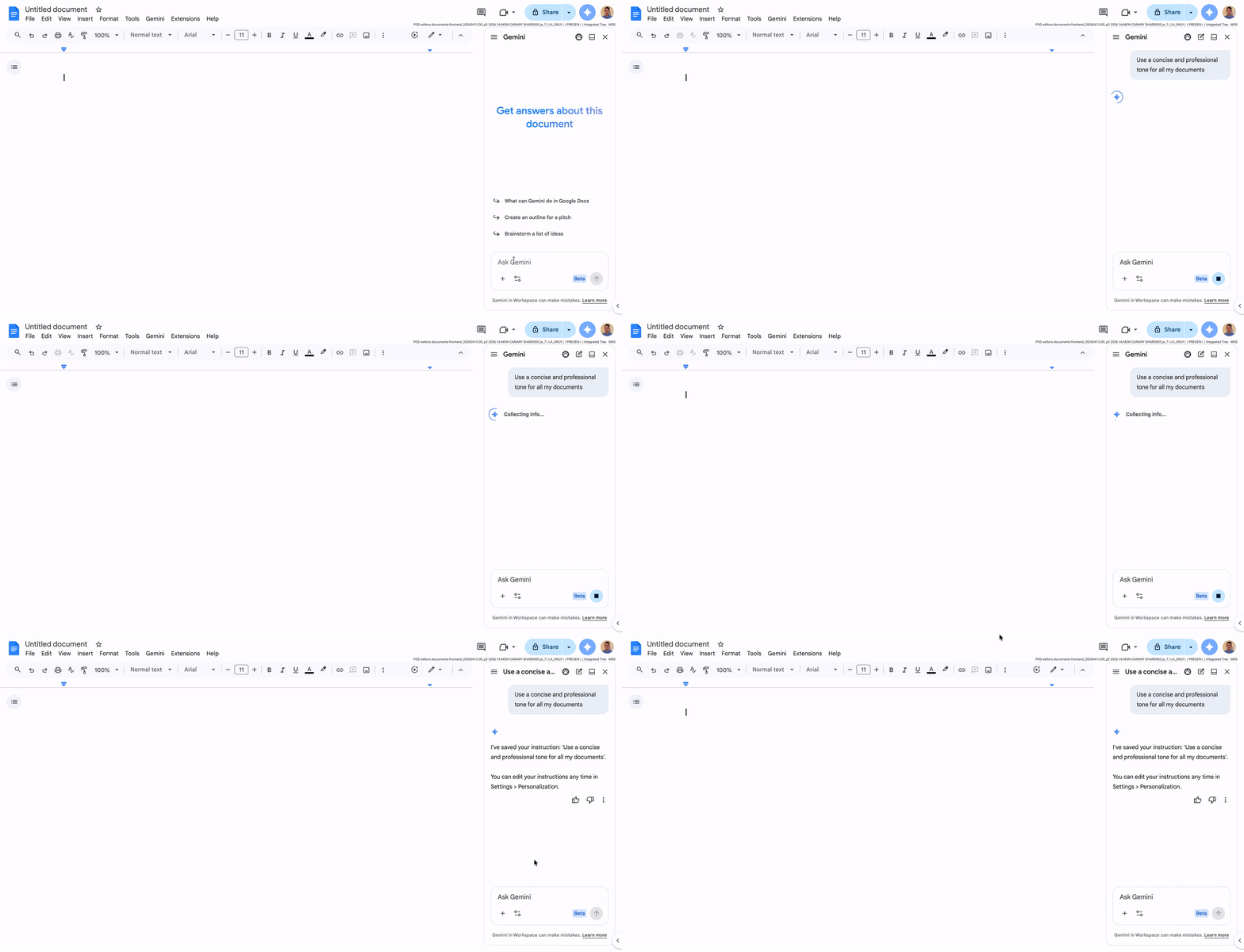
Google allows up to 1,000 active instructions, enabling fine-tuning for editorial tone, summary structure, note format, client style, and level of detail. The feature is managed within Gemini for Google Docs via the customization settings. Users can also temporarily disable or delete their instructions.
A Gradual Rollout
The rollout began on May 4, 2026, and may take up to 15 days depending on accounts. The feature is available for Google AI Plus, Pro, and Ultra subscribers, as well as various Workspace Business, Enterprise, and Education plans.
This update transforms Gemini into a less generic assistant. For professionals, students, or writers, the benefits extend beyond time savings: it ensures consistency.
Google is effectively turning Google Docs into a true AI-assisted production environment, where the tool not only responds but learns how you prefer to work.



