

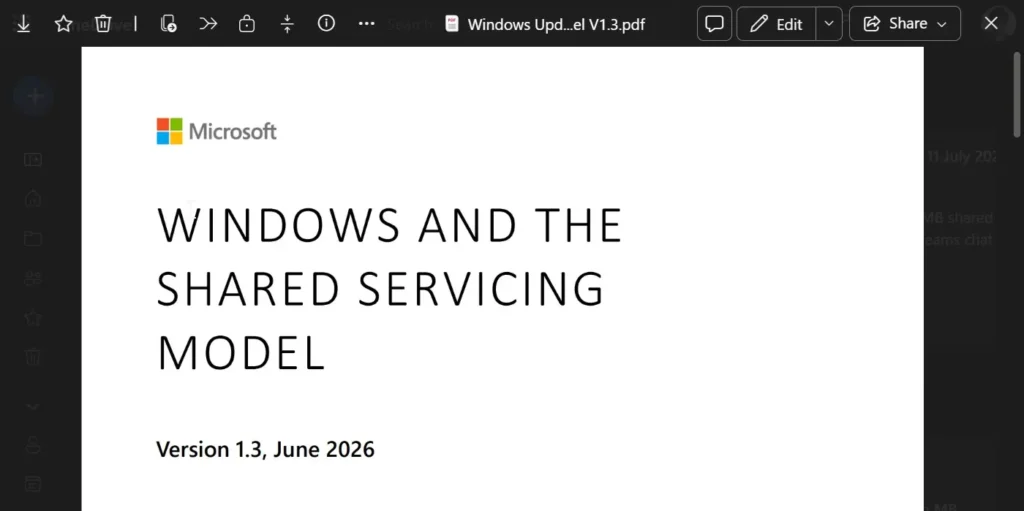
Microsoft Edge will prevent screenshots of certain protected PDFs in OneDrive and SharePoint
Microsoft is once again enhancing the security of its professional ecosystem. Starting next month, companies utilizing Microsoft Purview Information Protection will benefit from a new protection that prevents screenshots of certain sensitive PDF documents opened in Microsoft Edge.
The objective is to address a persistent weakness in online document protection and, at the same time, encourage organizations to adopt Microsoft’s browser more broadly.
A New Protection for Confidential PDFs
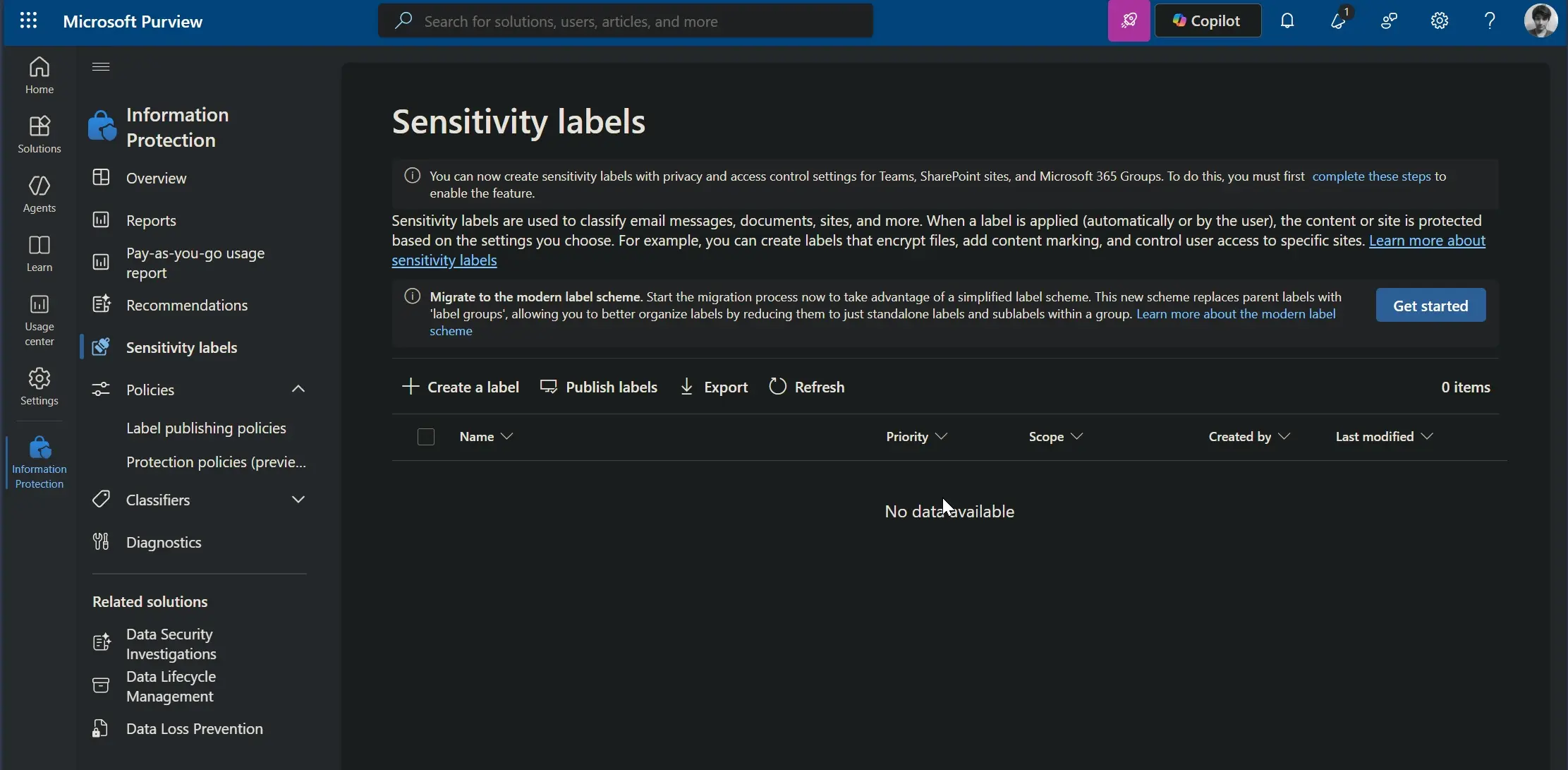
This feature will not apply to all documents. Microsoft specifies that it will apply only to PDFs protected by a confidentiality label configured without permission for copying or extraction (Copy/Extraction).
When these conditions are met, users opening the document from OneDrive for Business or SharePoint Online in Microsoft Edge will not be able to take screenshots.
The protection will be activated automatically without changing the existing security policies established by IT administrators.
A Continuity with Desktop Applications
Previously, Microsoft Purview already allowed for limiting several actions on sensitive documents in compatible desktop applications. Administrators could prevent modifications to files, printing, content copying, and certain screenshots in supported applications. However, when a PDF was viewed directly in a web browser, this protection was not consistently applied.
The new feature aims precisely to harmonize the level of security between desktop applications and services accessible via the browser.
Microsoft also reminds businesses that they can disable local document downloads, preventing users from saving a protected PDF before attempting to view it in another application.
Edge Will Be the Only Compatible Browser
This is arguably the main weakness of this new feature. Upon its launch, this protection will only function in Microsoft Edge. Users who open these documents in Google Chrome, Mozilla Firefox, Safari, or other mobile browsers will not benefit from the same level of security.
Microsoft acknowledges that controls may then be applied inconsistently depending on the browser used.
To ensure uniform protection, the company recommends that organizations implement browser management policies or Conditional Access rules to enforce the use of Edge for accessing sensitive documents.
A Feature Reserved for Businesses
This development does not apply to general consumers. Personal OneDrive accounts will continue to function normally, as will PDFs without a confidentiality label restricting copying operations.
Users will thus continue to take screenshots of standard documents, whether they are a manual, a restaurant menu, or a personal file.
This feature primarily targets businesses handling strategic information, such as financial data, legal documents, confidential files, or unreleased product plans.
A Gradual Rollout Starting in August
According to Microsoft, the first organizations concerned will begin receiving this new feature in early August. The global rollout is then expected to take place between the middle and the end of the month. Several reports from Windows Latest suggest that support for other browsers and mobile applications could be considered later on.
At this stage, however, Microsoft has not announced any timeline regarding this potential extension.
This development illustrates Microsoft’s current strategy to enhance the security of its cloud services while solidifying Edge’s position in professional environments. Although blocking screenshots does not provide absolute protection—no technology can stop a photograph taken with another device—it complicates attempts at accidental or intentional leaks of sensitive documents. It remains to be seen whether Microsoft will extend this feature to other browsers or if Edge will maintain this exclusive advantage within the Microsoft 365 ecosystem.



