

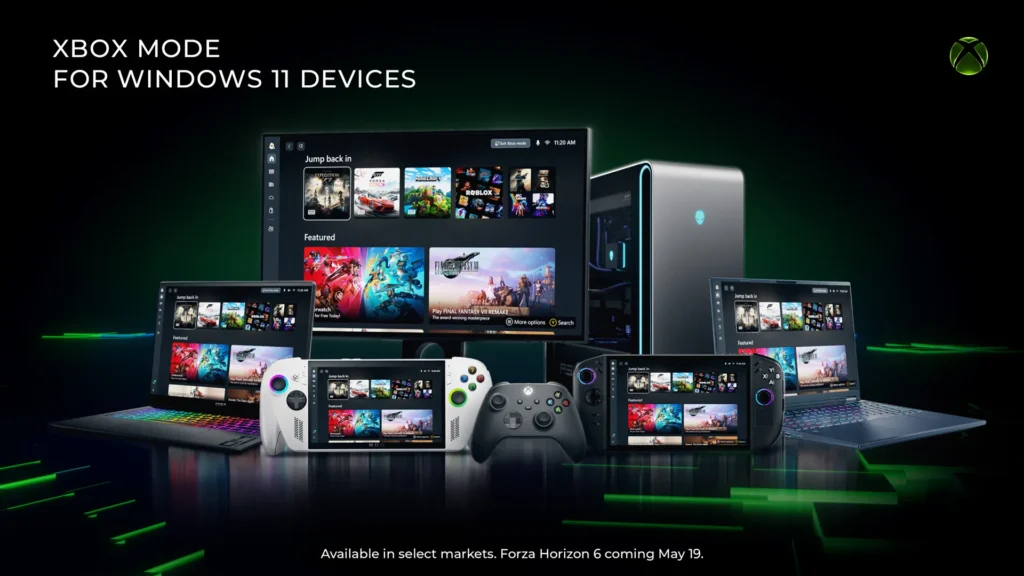
Xbox Mode arrives on Windows 11: the PC becomes closer to a console
Microsoft has finally deployed Xbox Mode on Windows 11 PCs, after testing it on handheld consoles. The concept is straightforward: to provide a full-screen interface designed for controllers, focusing on games and making the PC feel less like a traditional computer while playing.
Xbox Mode: A Console Interface Above Windows
Xbox Mode allows users to browse their library, launch games, access Game Pass, and find installed titles from different PC stores, all with navigation optimized for controllers.
Users can return to the Windows 11 desktop at any time: this is not a replacement for Windows but rather a new way to use it.
This innovation arrives in a strategic context: handheld PCs have shown that a standard Windows setup isn’t always ideal for mobile gaming. In response to SteamOS and lighter Linux interfaces, Microsoft needed to make Windows smoother, clearer, and less overwhelming for gamers.
How to Get It?
The deployment is gradual, in select markets. To activate it as soon as it becomes available, users should navigate to Settings > Windows Update and enable “Receive the latest updates as soon as they are available.” Microsoft notes that Xbox Mode will continue to evolve based on user feedback.
Xbox Mode doesn’t address all of Windows’ shortcomings but effectively masks friction at the right moments—when users just want to play. For Microsoft, this is also a way to unify the experiences of PC, Xbox, and handheld consoles.



