

Chrome’s autofill feature now fills in your travel information and complex addresses
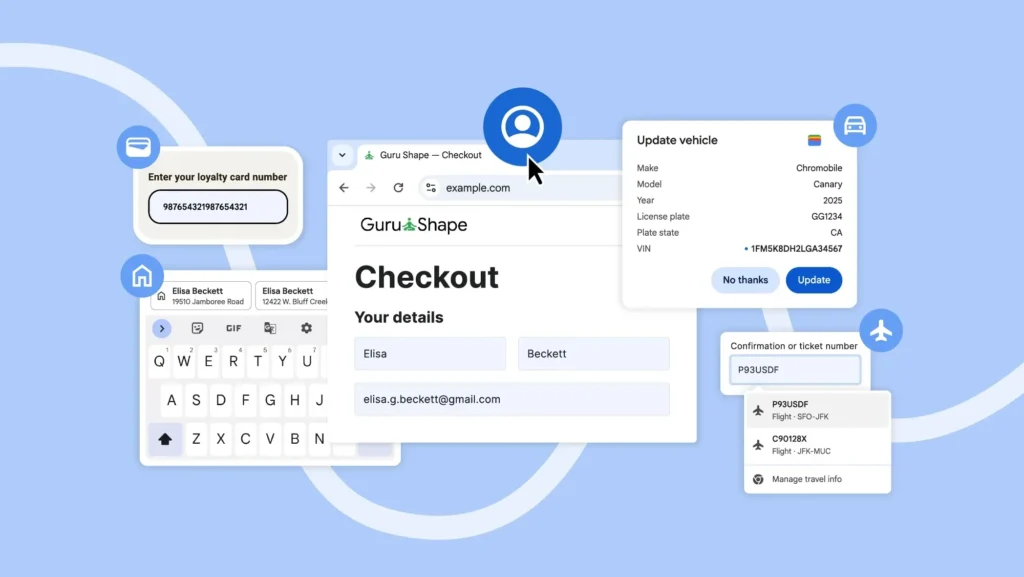
Google has announced a series of enhancements to the autofill feature in both mobile and desktop versions of Chrome. These updates allow Chrome to access more information from Google Wallet and offer clearer suggestions when a form presents multiple similar options.
Autofill Now Accesses More Data from Your Google Account
Chrome can now directly use personal information stored in your Google account when you are logged in, including your name, email address, and both home and work addresses.
This new feature is available on Chrome for desktop, iOS, and Android.
On Android: More Readable Autofill Suggestions
Previously, the autofill suggestions that appeared above the virtual keyboard on Android were compact and sometimes hard to distinguish.
Now, these suggestions are displayed in two lines, providing more context. For example, if two contacts have the same name, Chrome will also display their addresses to help select the correct entry.
Improved Support for International Addresses
Google is also enhancing the handling of complex addresses, including Mexican addresses that contain intersection directions, and soon, it will support phonetic names in Japan.
Chrome Can Now Autofill Your Travel Information
Chrome now retrieves booking data stored in Google Wallet, such as travel dates, flight times, and airlines. This is particularly useful when booking a car at the airport, as Chrome can automatically fill in your flight’s arrival time.
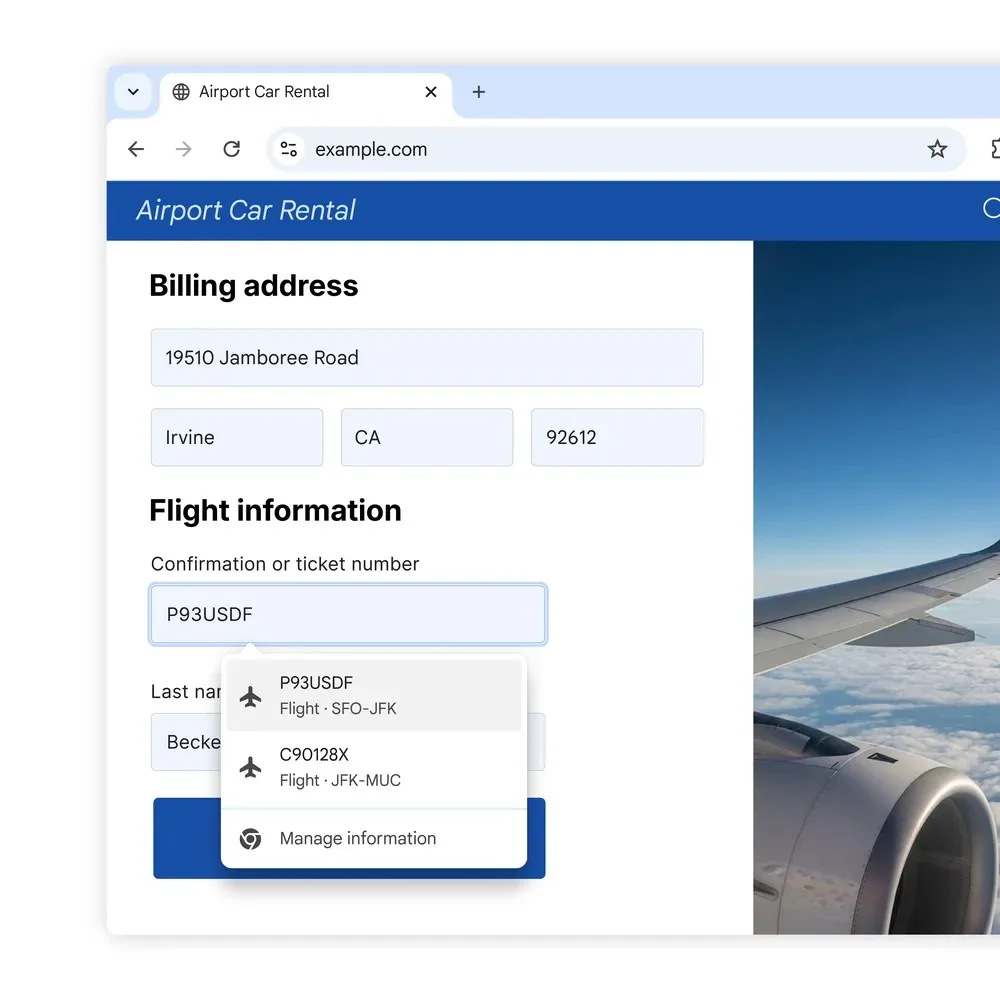
This feature is being rolled out on Chrome for desktop and Chrome for Android.
Recap of Recent Updates
Last month, Google had already added the ability for users with “enhanced autofill” enabled to automatically fill in passport numbers, driver’s licenses, loyalty card information, and vehicle details (VIN, license plate, etc.).
These new enhancements build upon an already expanded functionality.



